What you can make with videoFn.
videoFn is a Mac video editor that Claude or ChatGPT can drive. Describe the video, watch it come together in the preview and give notes. If you'd rather fix something yourself, the editor is right there.
Start with the video you need. Each example shows a real export, the brief behind it and the choices that bring it together.
Tasks
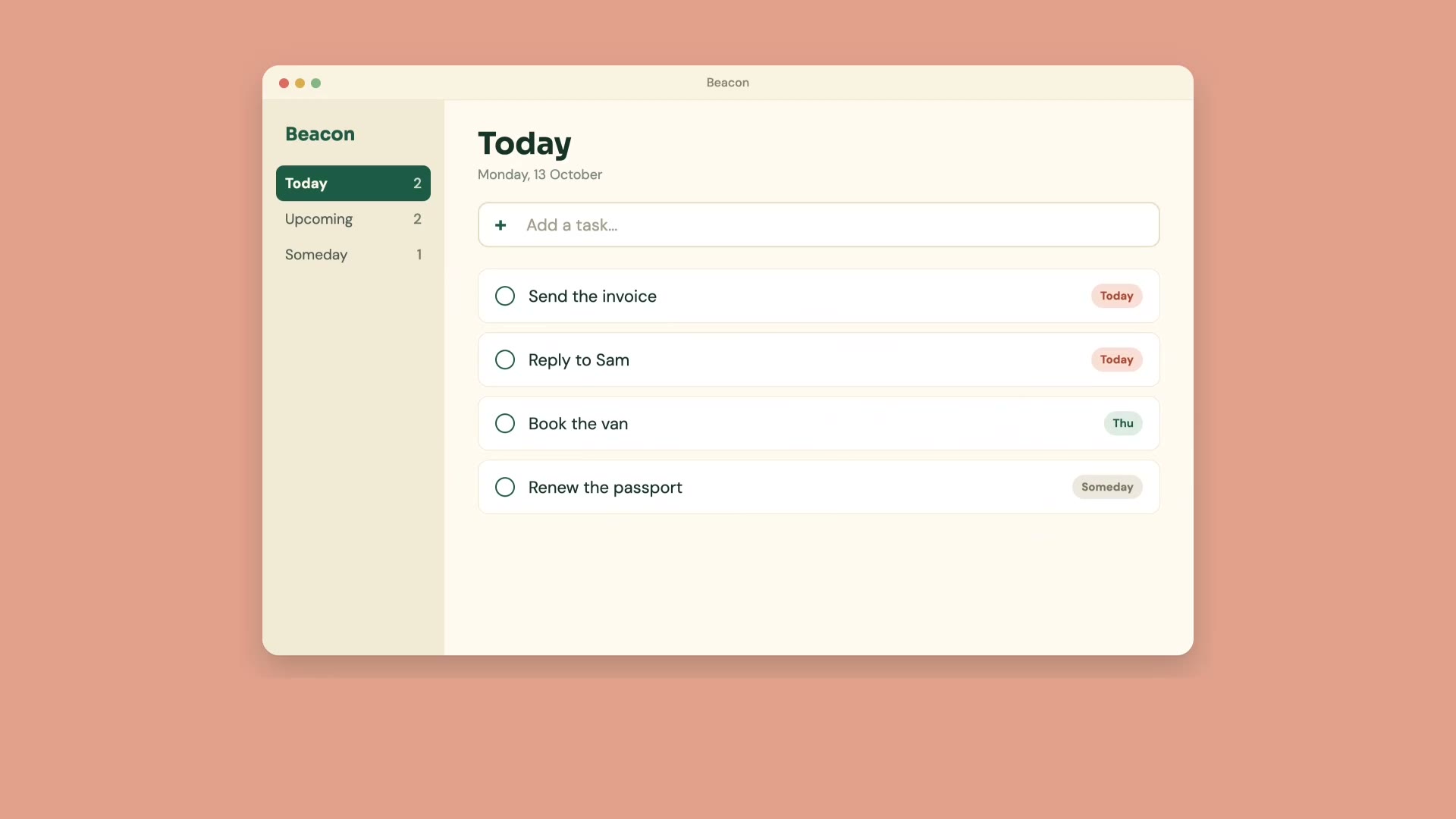
Product demo video
A product demo video maker for your SaaS or app. Bring screen recordings and a few lines of script, and Claude or ChatGPT edits them into a short narrated demo on your Mac.
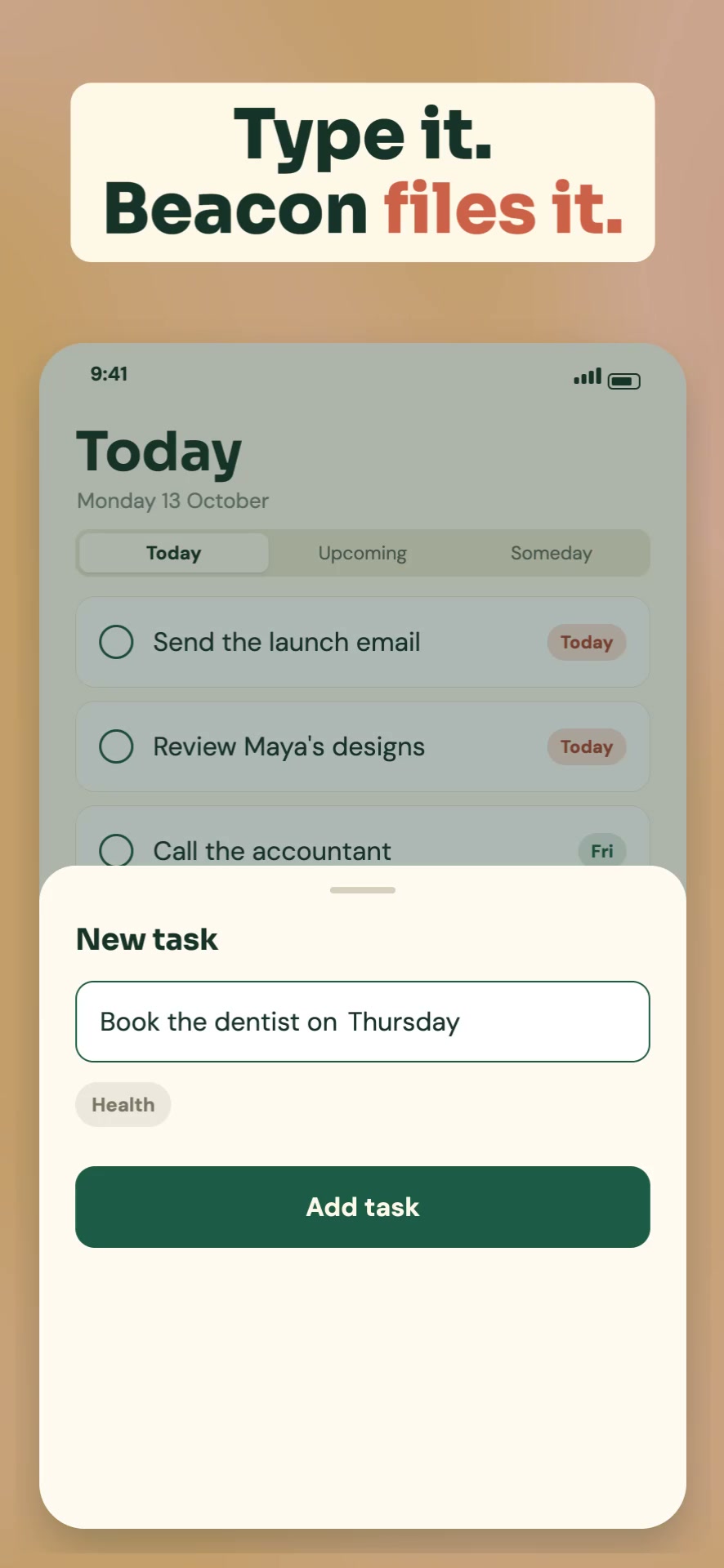
App Store preview video
Make an App Store preview video on your Mac. Claude or ChatGPT cuts your screen recordings into a captioned 15 to 30 second preview at the size Apple asks for.
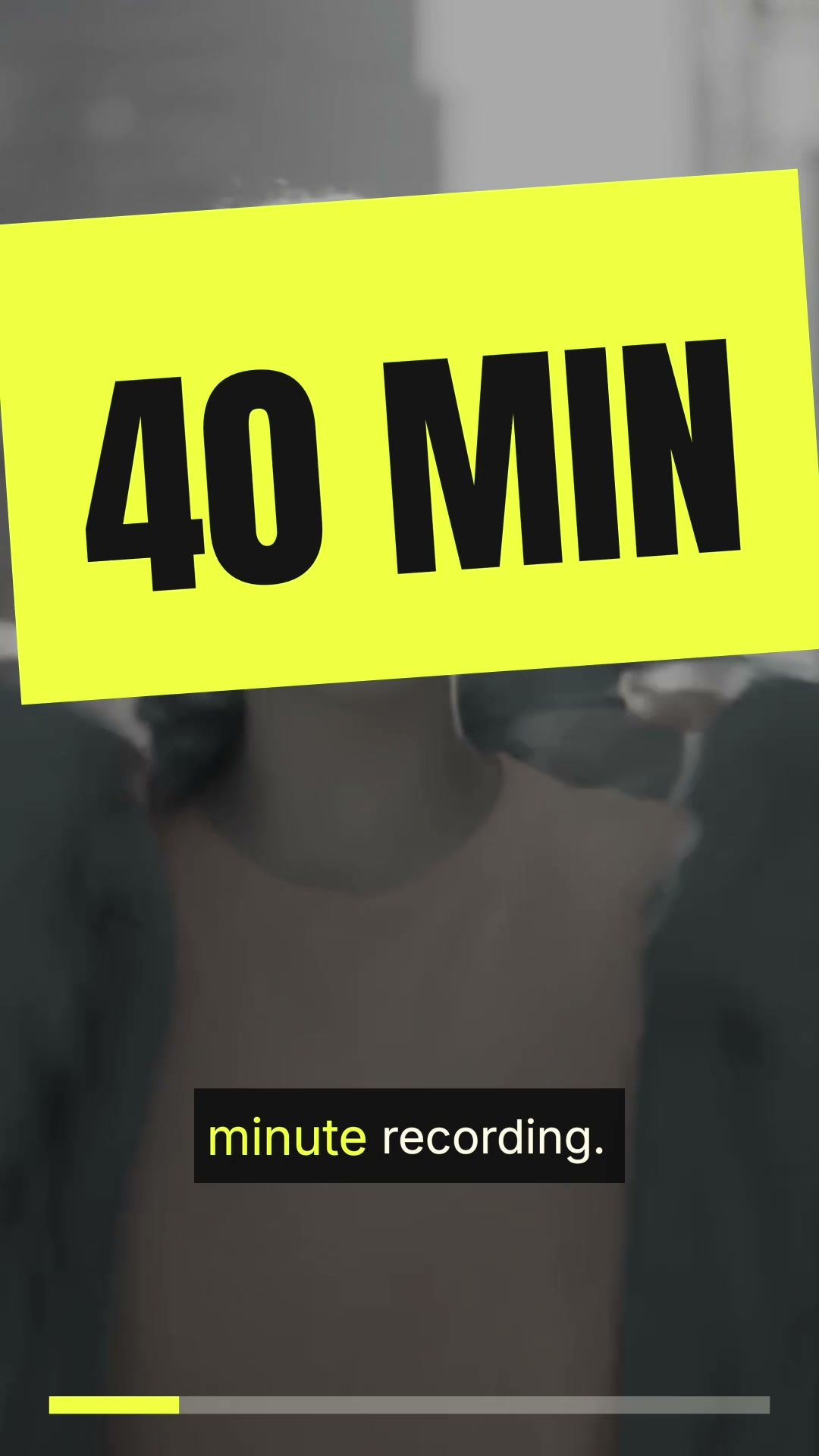
Social clips
Turn long videos into short vertical clips for Shorts, Reels and TikTok. Horizontal footage gets reframed for a phone and captioned for people watching on mute.
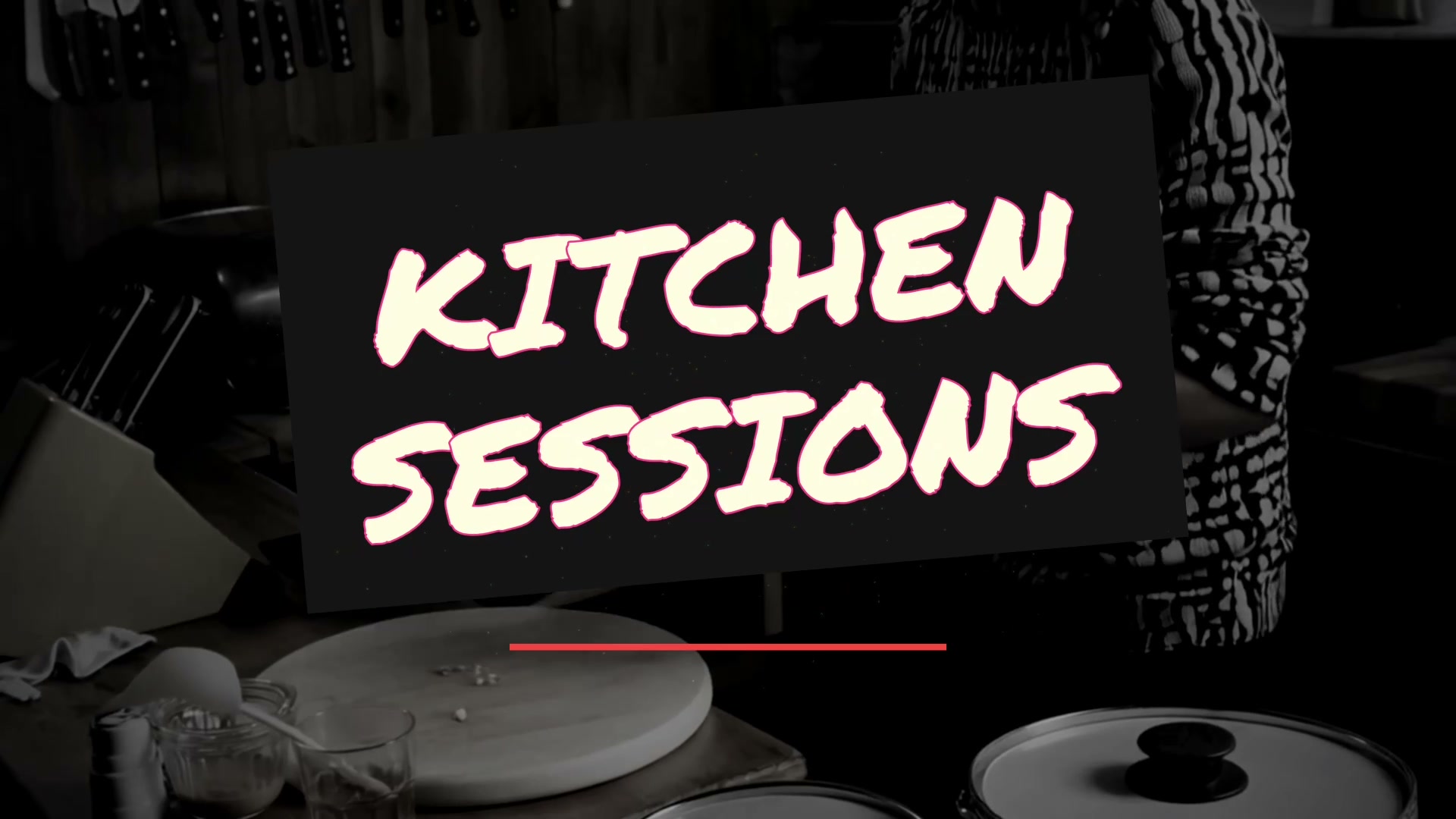
YouTube intro
Make a short YouTube intro for your channel on your Mac. Claude or ChatGPT puts your name, footage and music together and keeps it short enough that people stay.
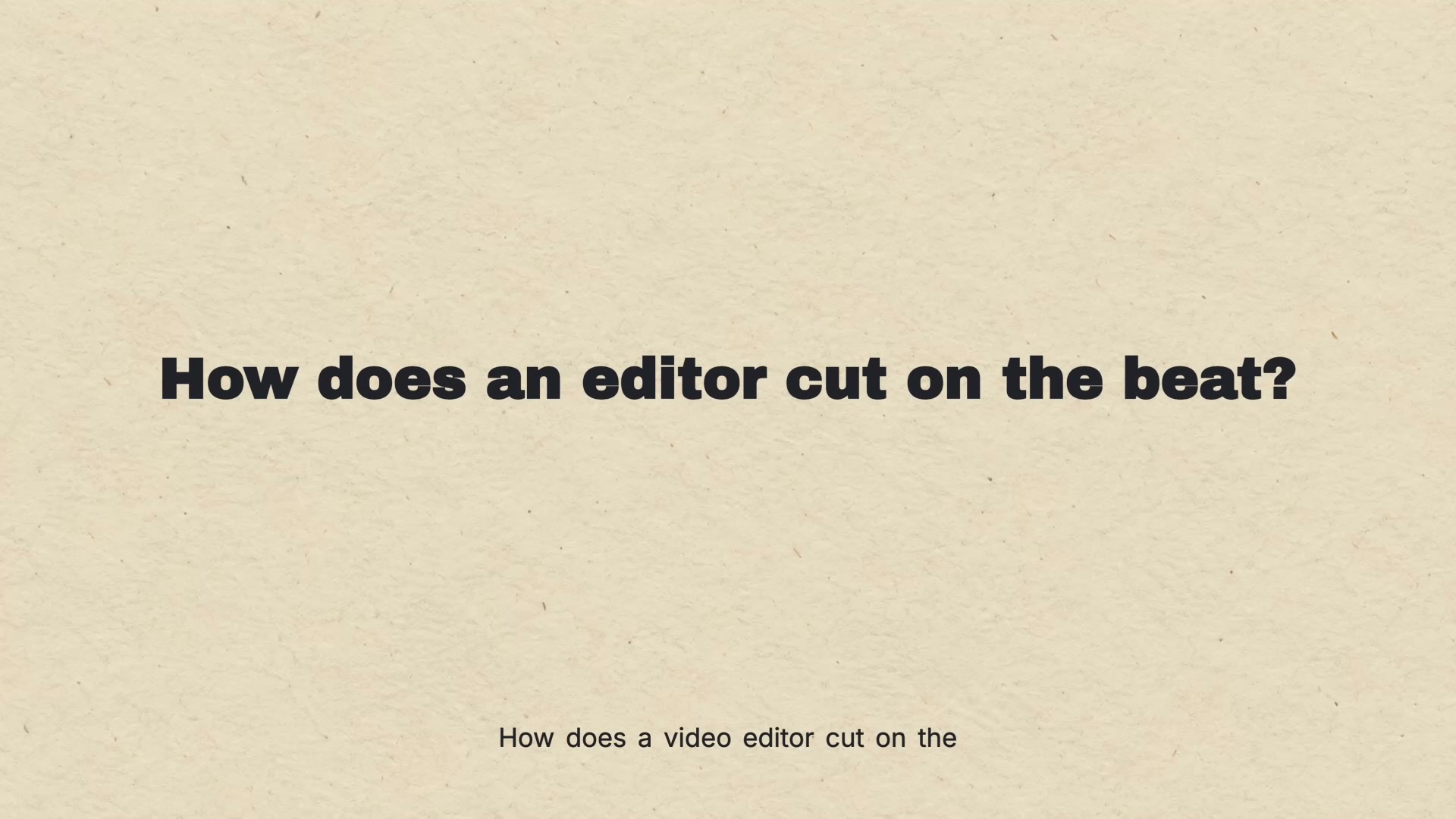
Explainer video
Turn a script into an animated explainer video, no avatars required. Claude or ChatGPT builds the scenes, narration and moving diagrams on your Mac.
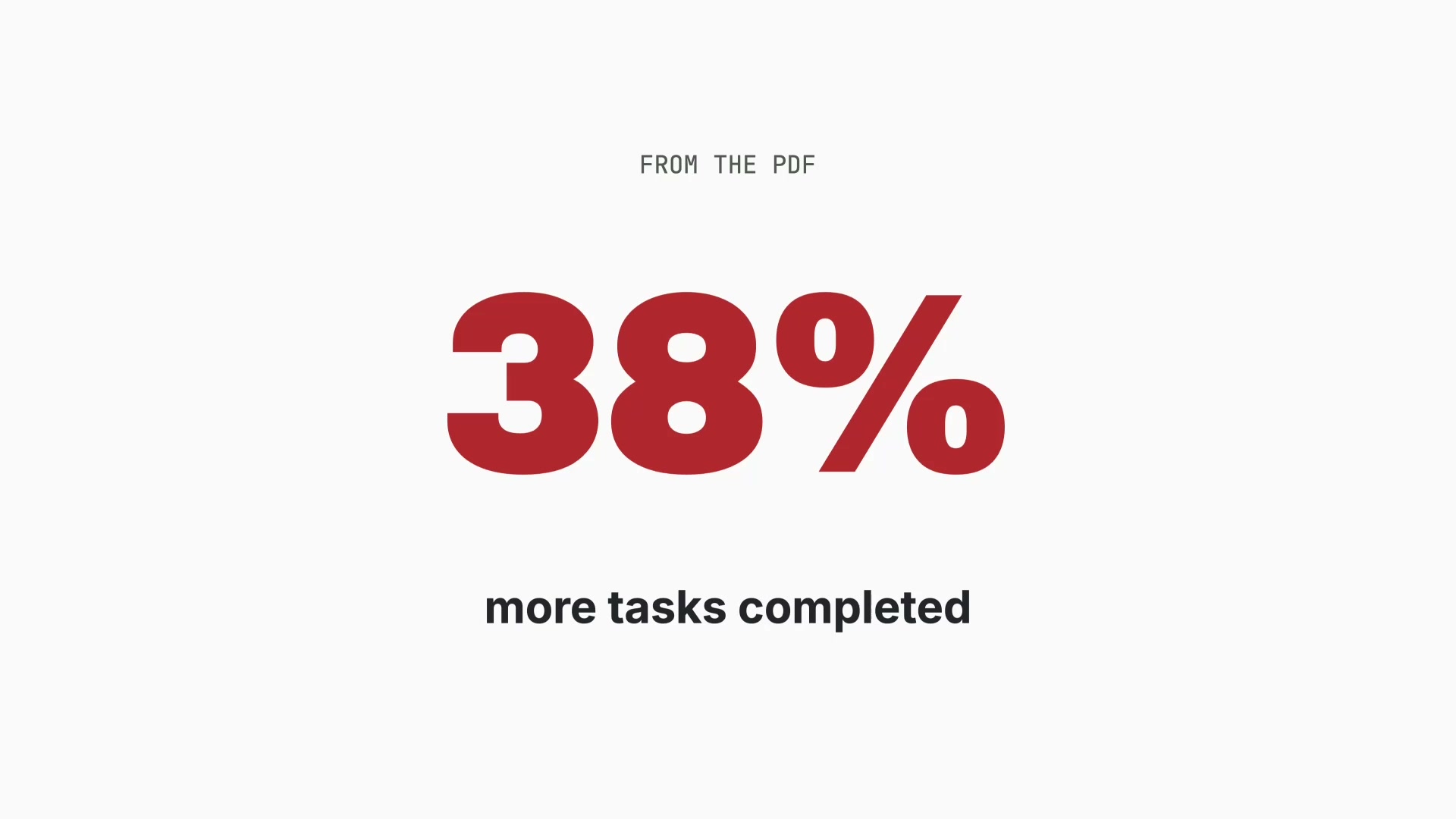
PDF to video
Turn a PDF into a narrated video on your Mac. Claude or ChatGPT reads the document, picks out the points worth keeping and builds scenes, voiceover and captions.
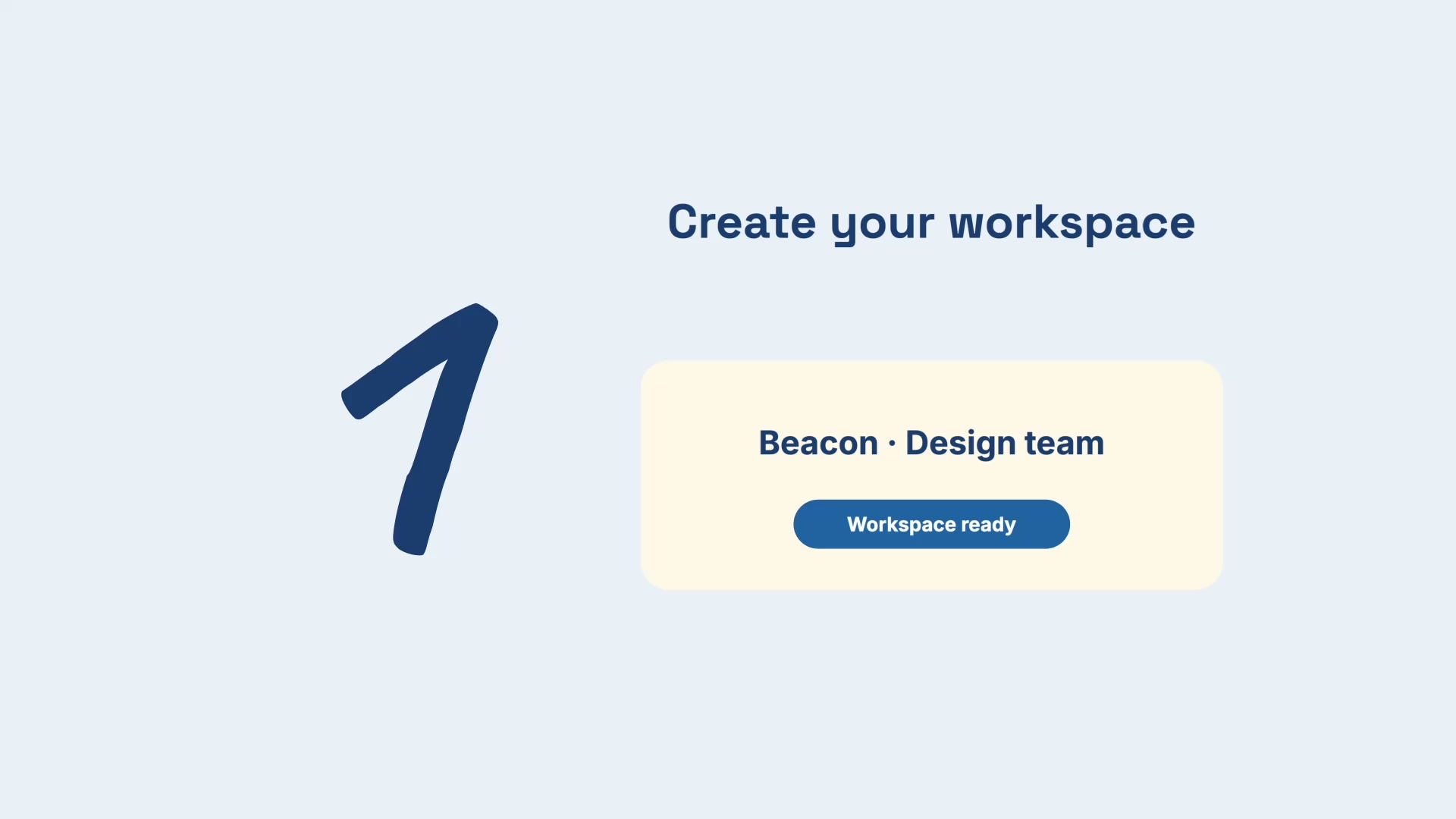
Word document to video
Turn a Word document into a video on your Mac. Claude or ChatGPT turns your guide, script or notes into narrated scenes with titles and captions.
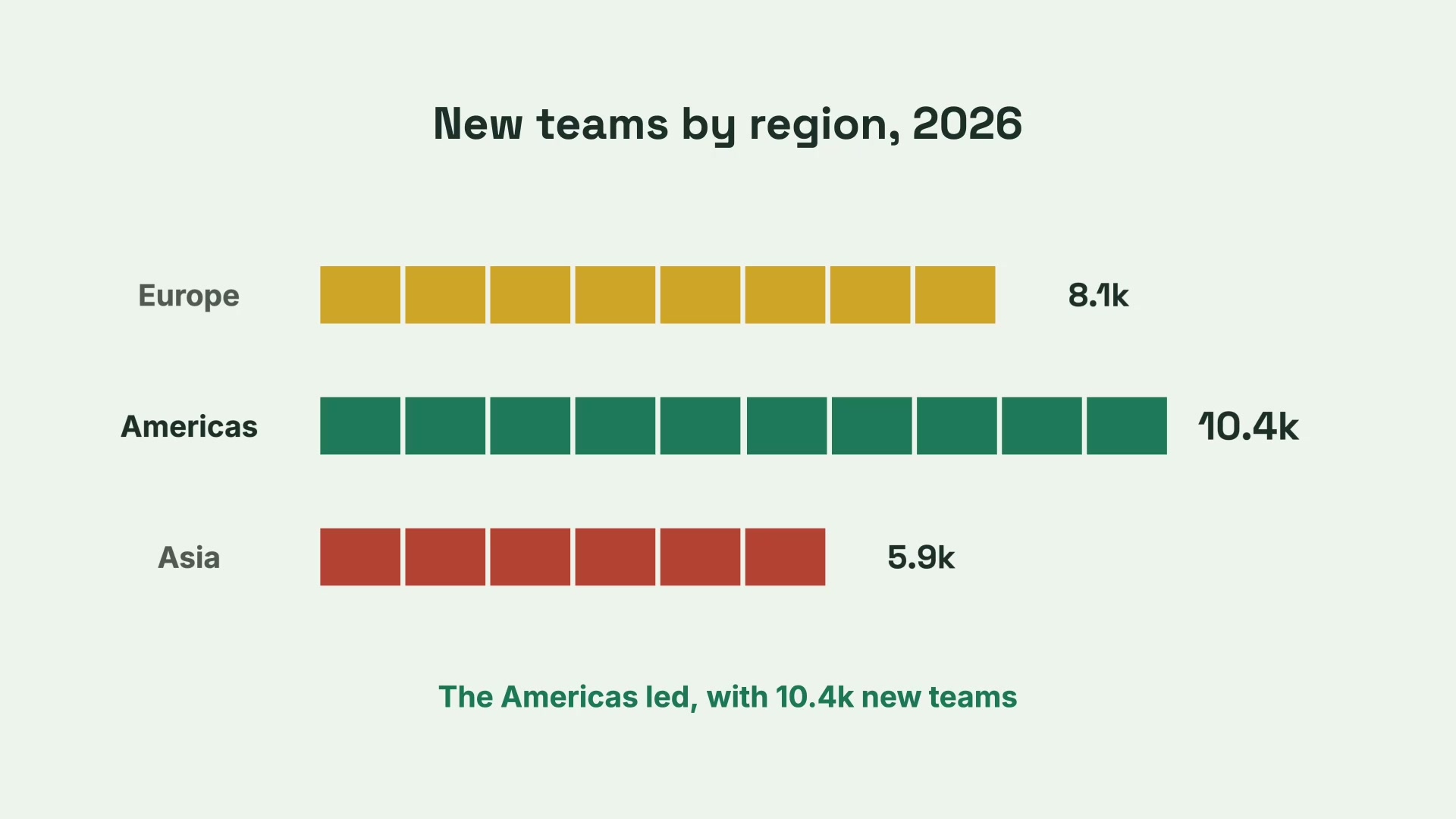
Excel to animated chart
Turn a spreadsheet into an animated bar chart video on your Mac. Claude or ChatGPT reads the numbers, builds the chart and adds narration.
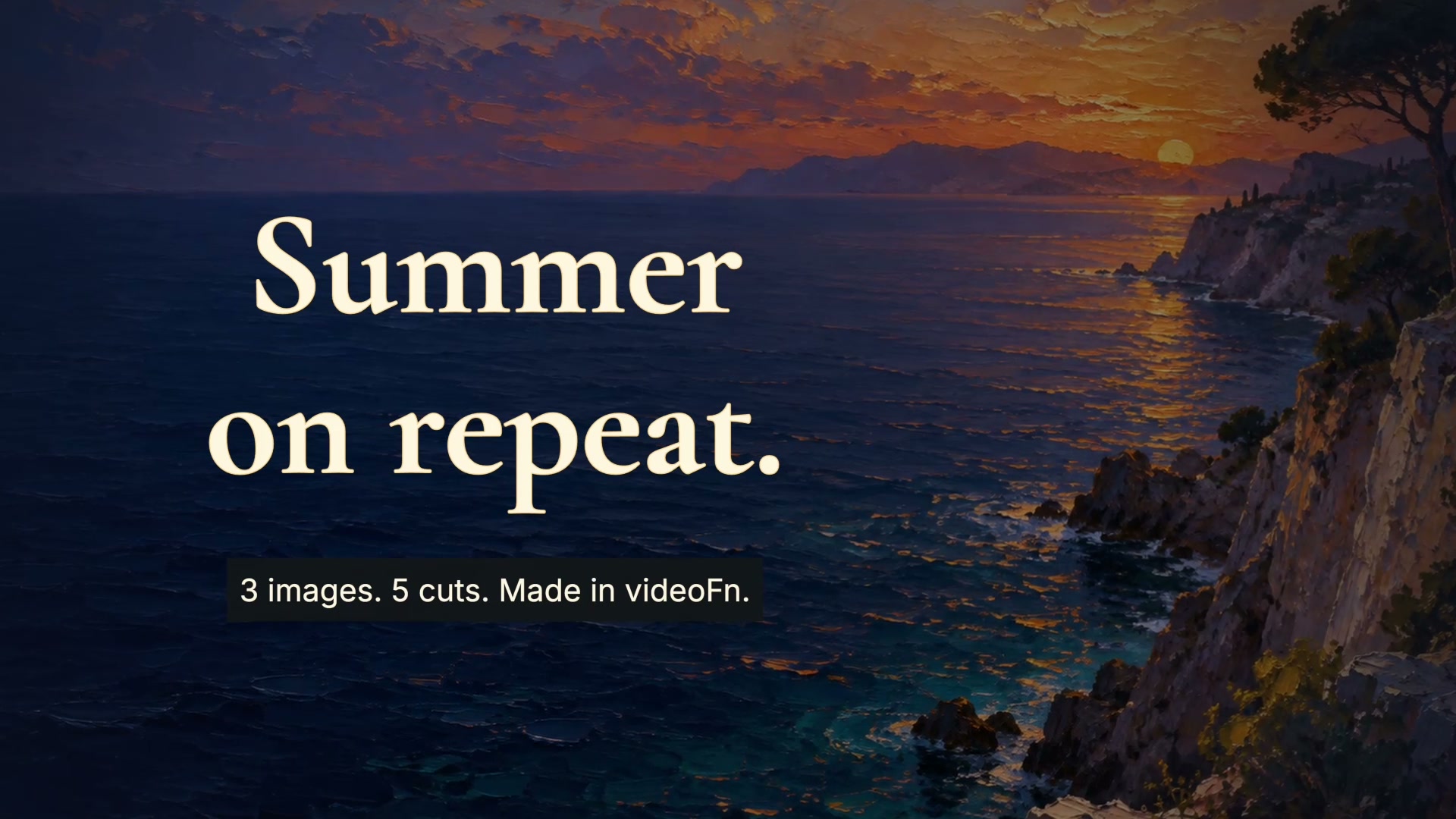
Turn your music into a video
Make a music video from your photos and clips. videoFn analyses the track so cuts, camera moves and titles follow the beat, the build and the drop.

Video ads
Make short video ads with a clear offer. Claude or ChatGPT drafts the opening, the text and the call to action, then makes a few versions for you to compare.
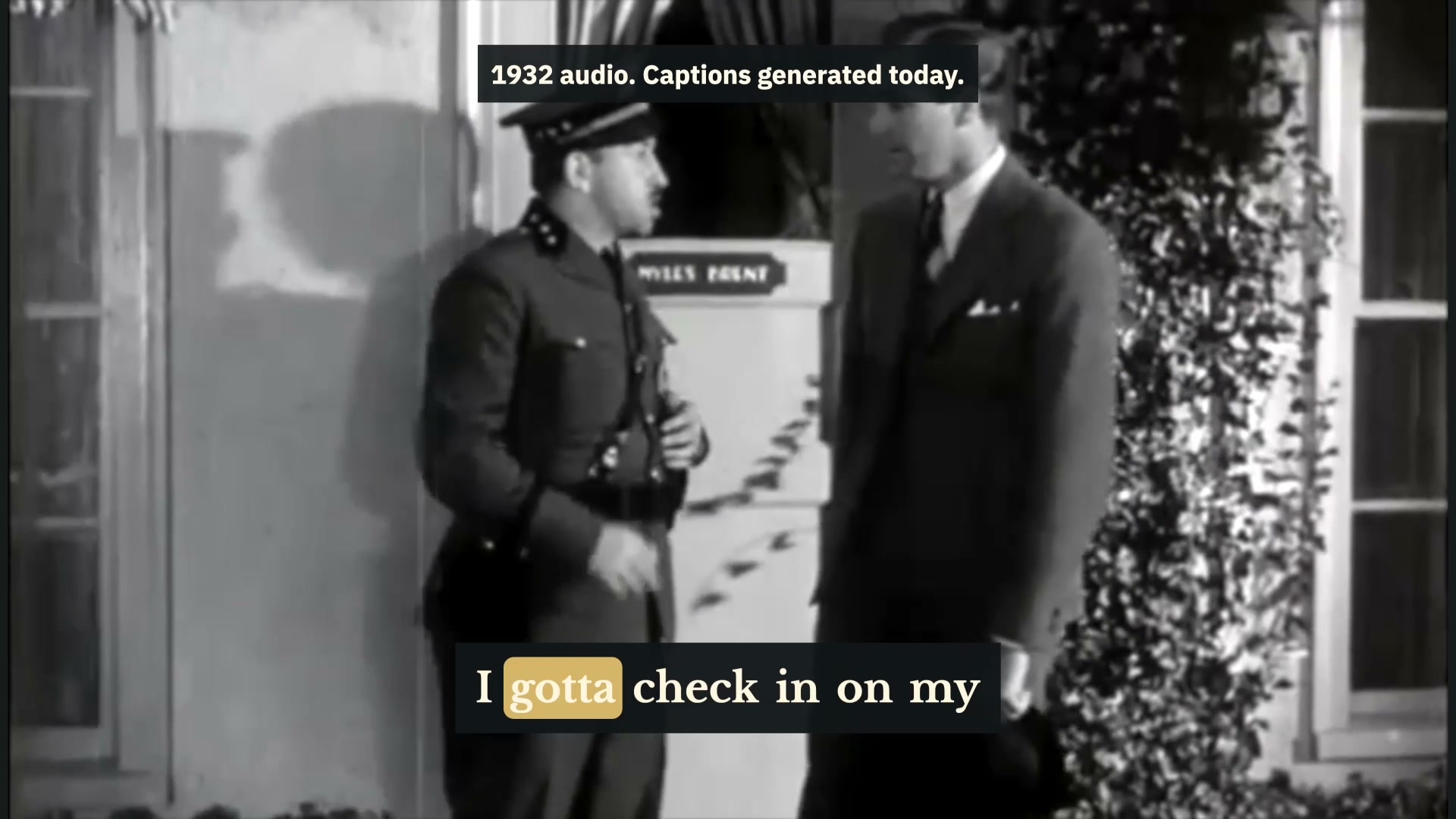
Add captions
Generate subtitles and captions automatically on your Mac. Speech is transcribed locally, and captions are timed word by word and checked for readability.
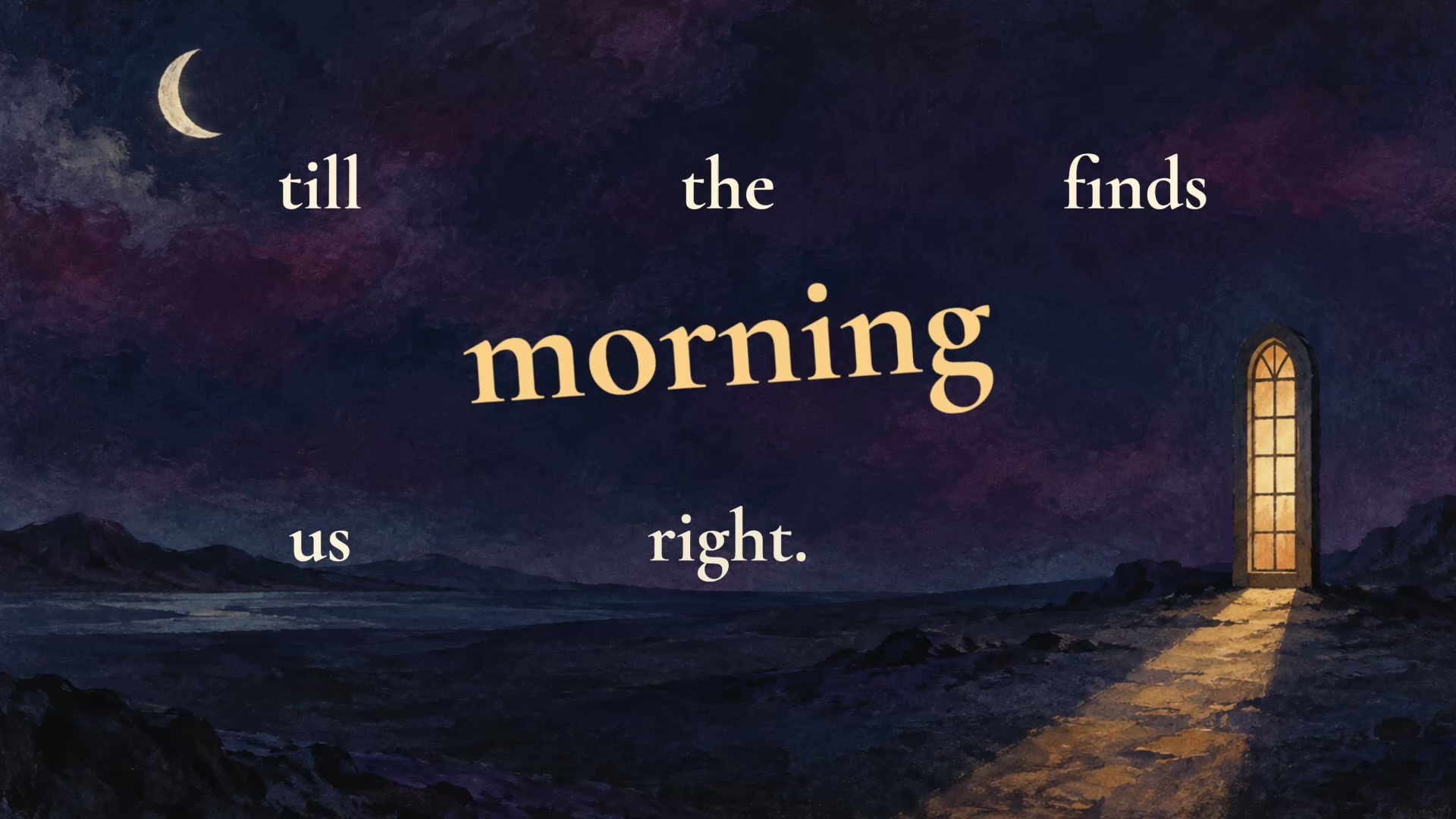
Lyric video
Make a lyric video on your Mac. Claude or ChatGPT times every word to the vocal, gives the big lines more space and builds the background.
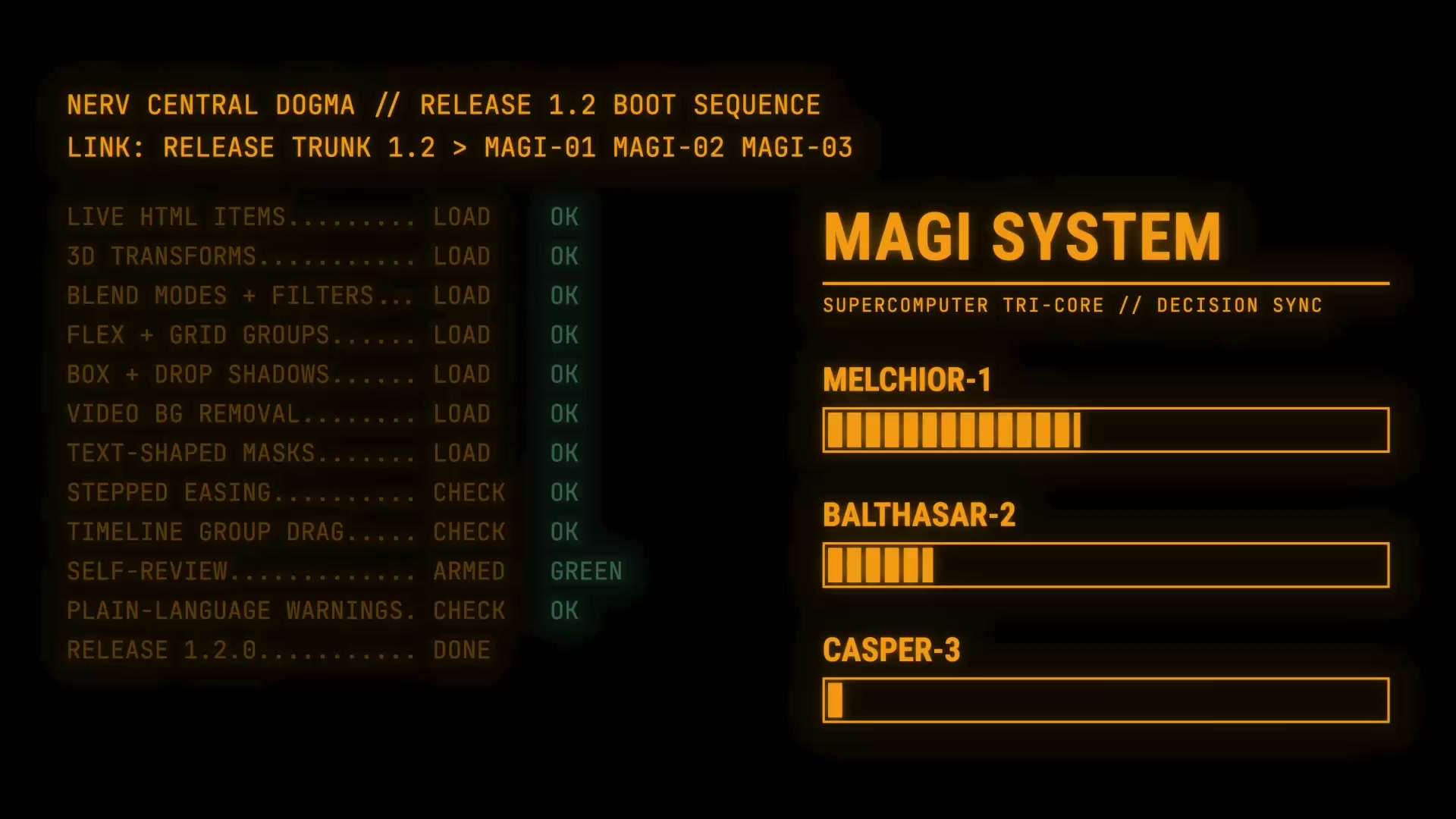
Show what’s new
Turn your changelog into a release video with animated titles, feature demonstrations and audio. Watch the videoFn 1.2 release film, made in videoFn on Mac.
Features
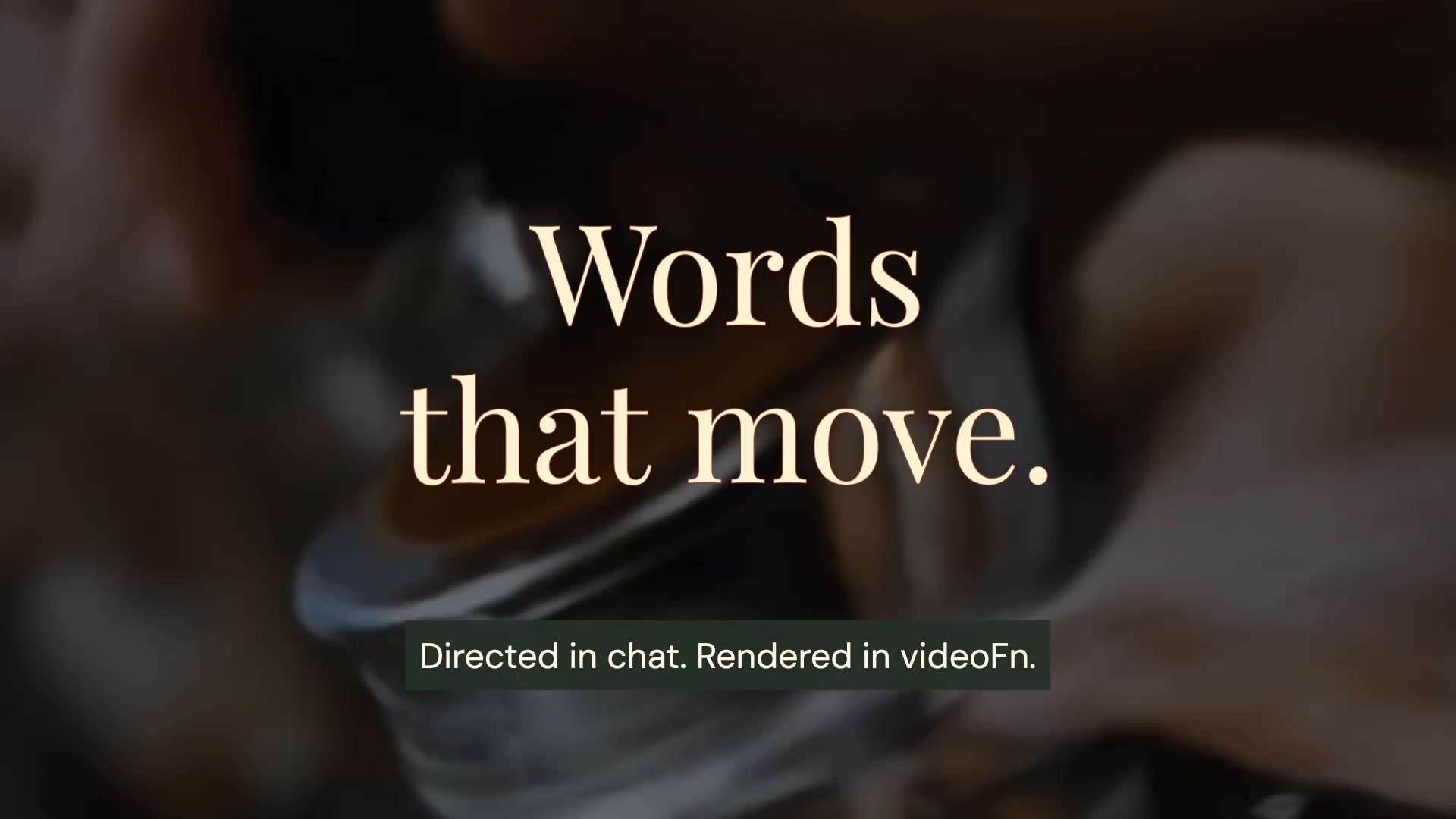
Edit video with Claude
Use Claude as your video editor on Mac. Give it a brief in videoFn, watch the first cut arrive in the preview and give notes until it's right.
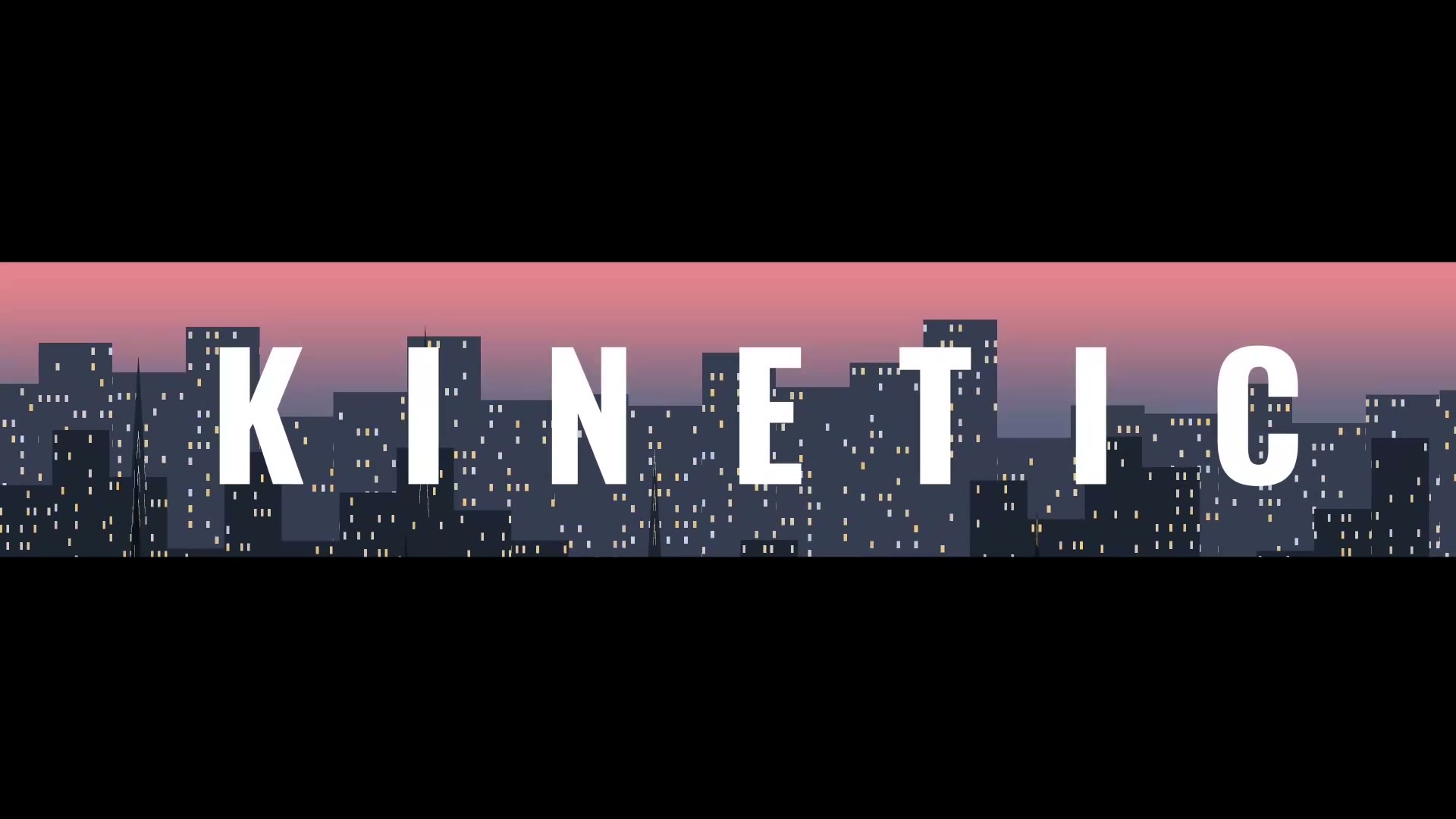
Animated text
Make kinetic typography and animated text videos on your Mac. Claude or ChatGPT times the words to speech or music and keeps each line up long enough to read.
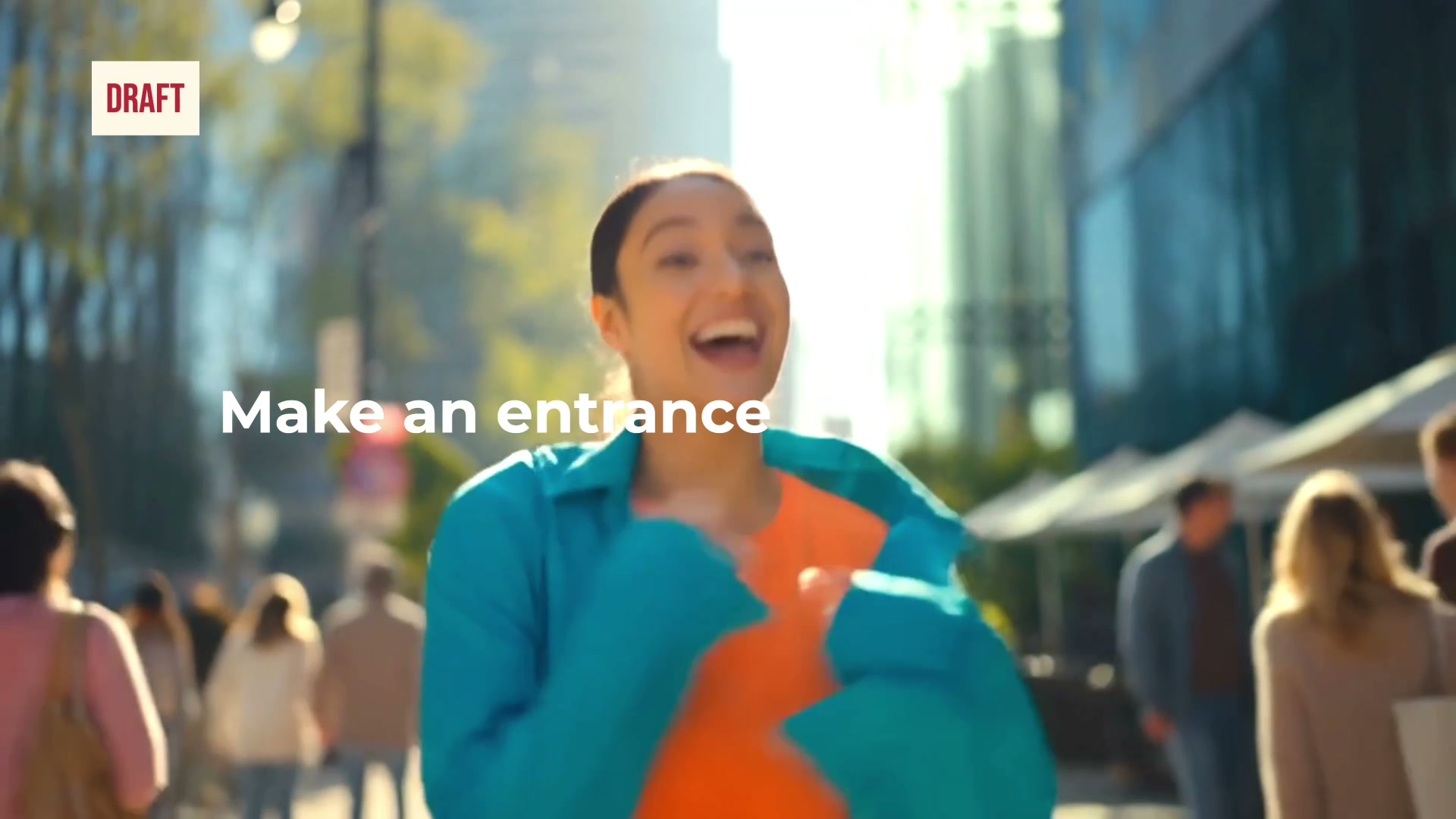
Check and improve your video
An AI video reviewer checks text, framing, motion, pacing, audio and the export. It fixes what fails and checks again before you see the video.
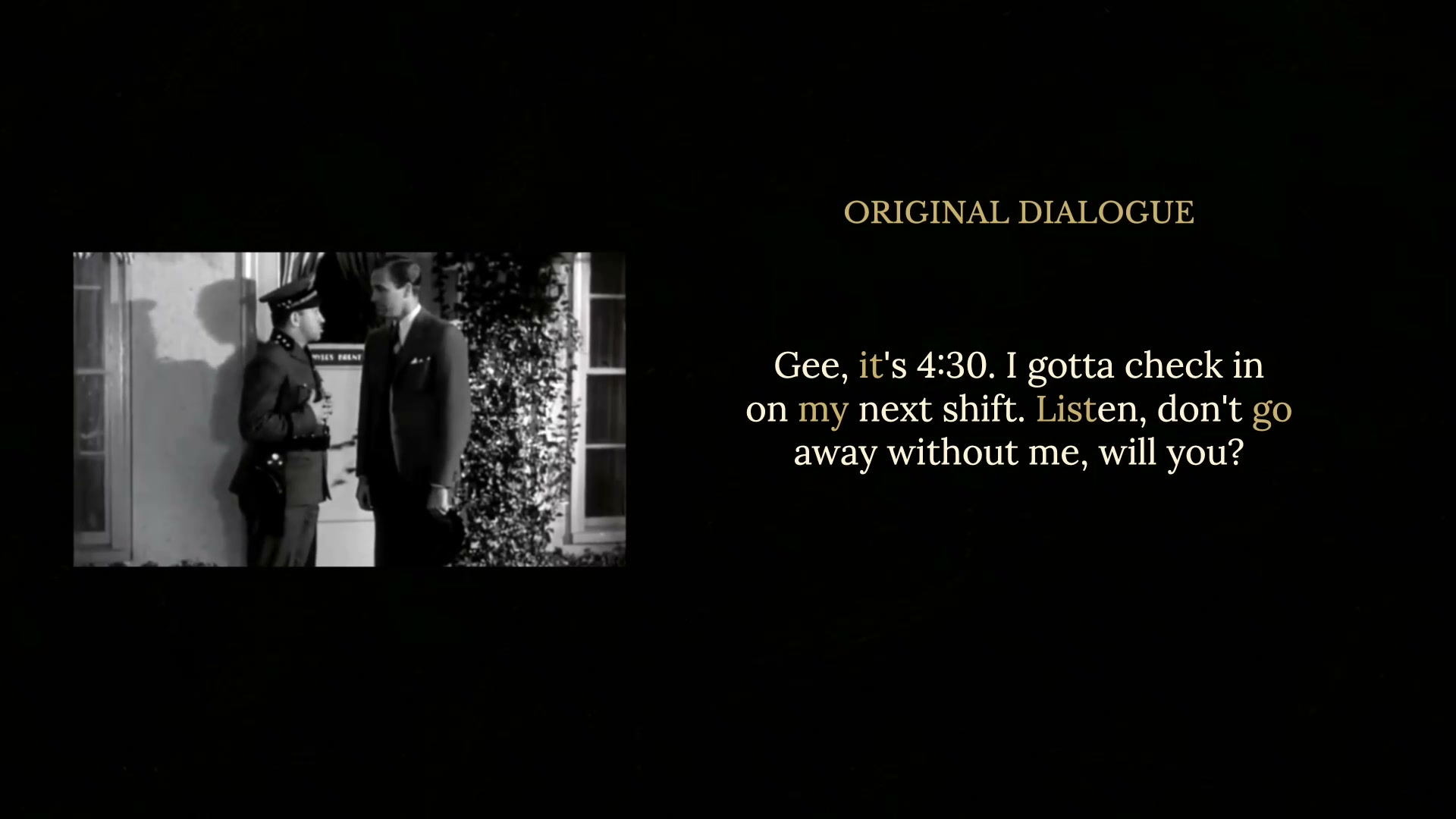
Tidy up your recording
Remove ums, uhs and other filler words from video automatically on your Mac. Cuts land in the quiet gaps, your voice stays your own and every cut gets checked.
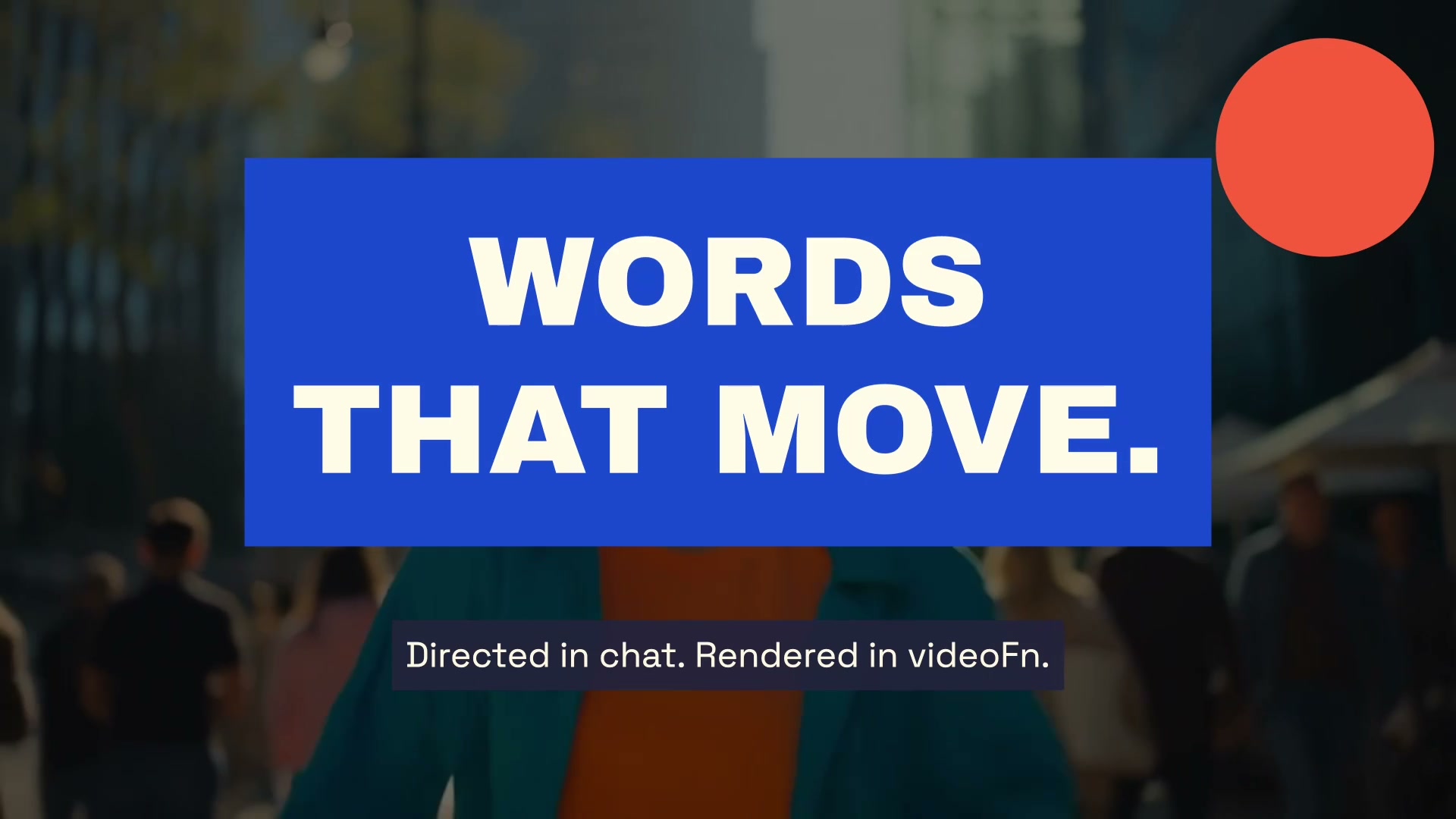
Edit video with ChatGPT
Use ChatGPT as your video editor on Mac. Connect it to videoFn, give it a brief, and it builds the cut, checks it and takes your notes.
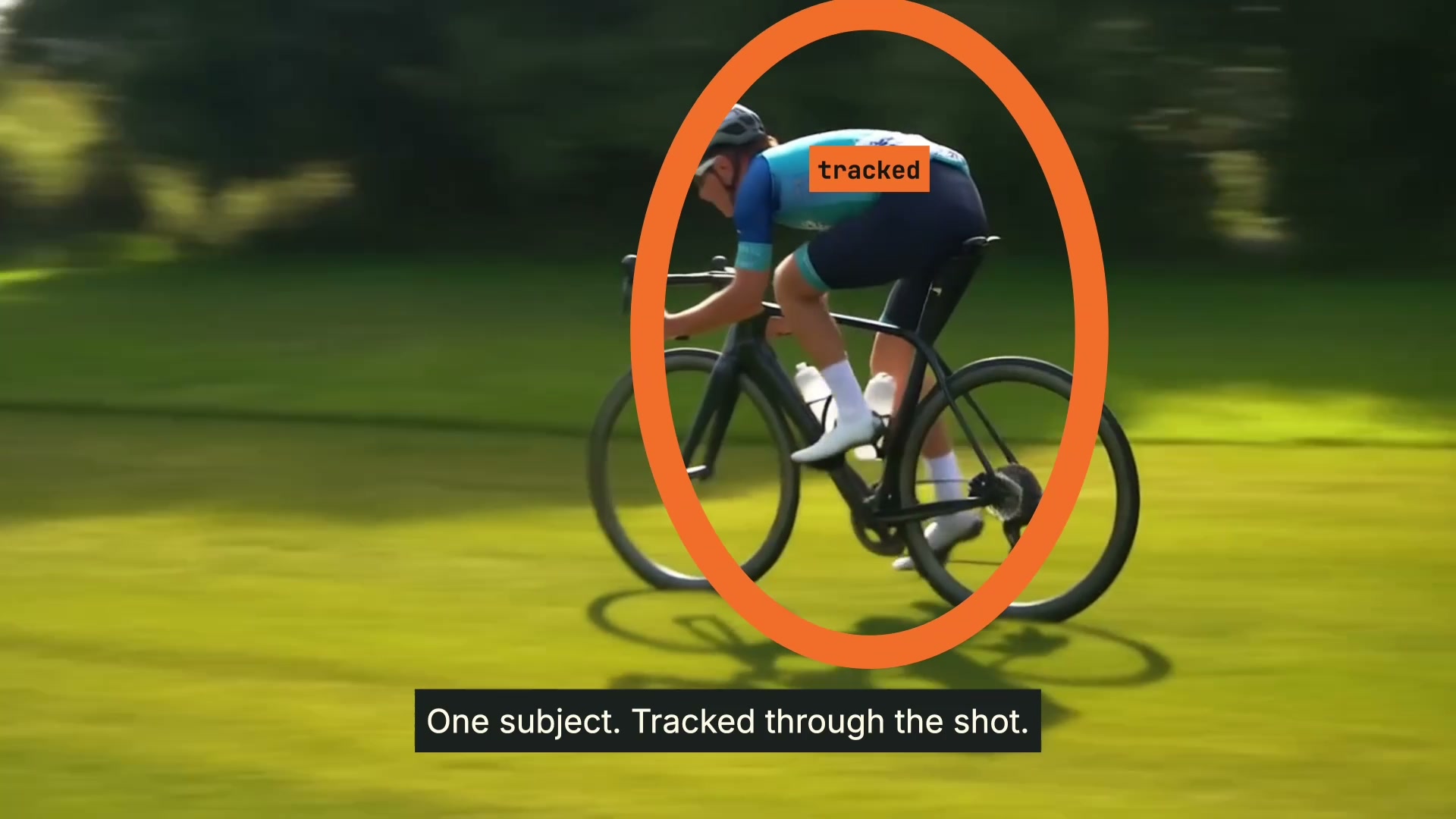
Follow a person or object
Pin text, labels and highlights to a moving person or object. videoFn does the motion tracking on your Mac, with no keyframes placed by hand.
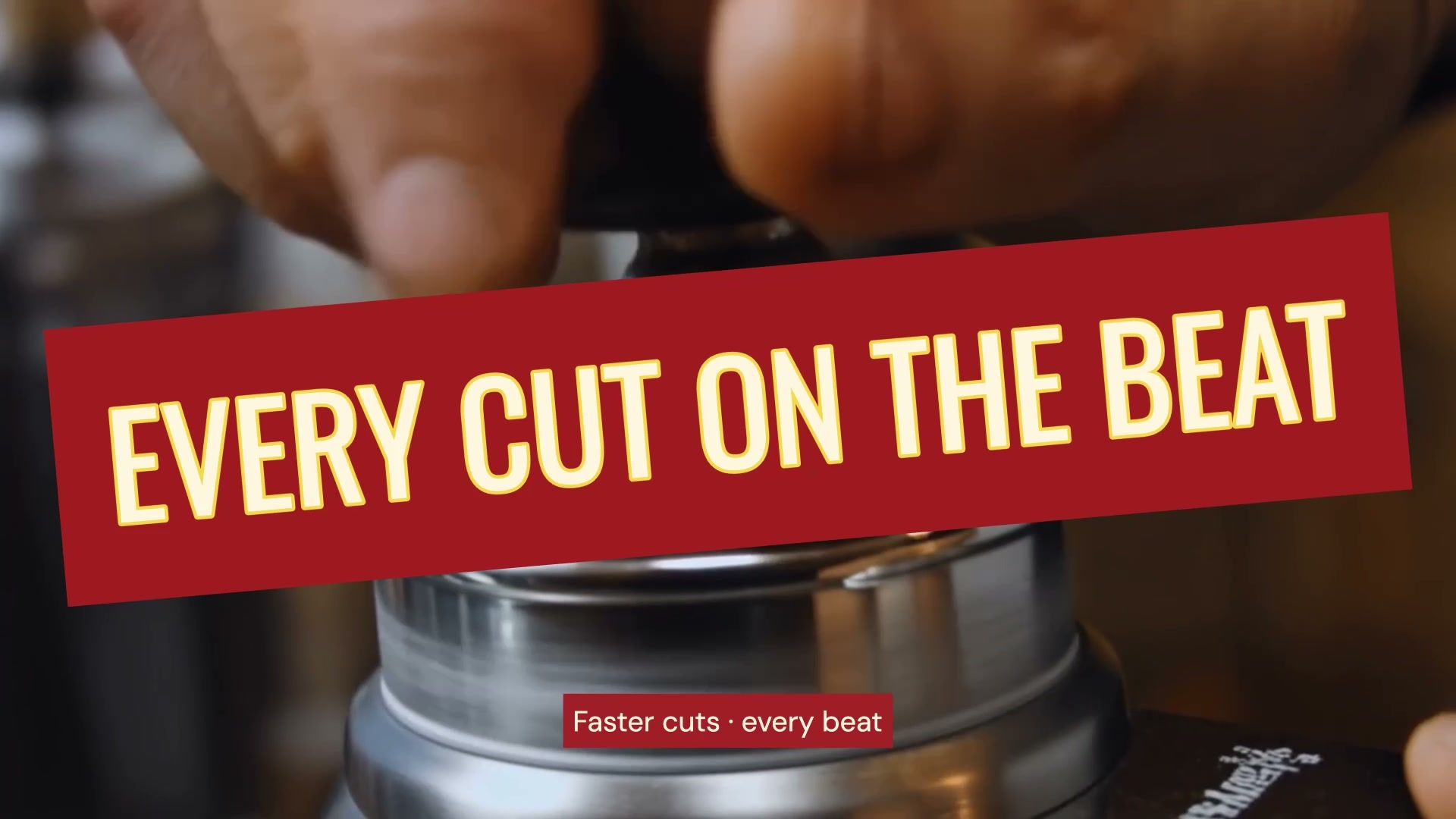
Edit to the music
Sync your video to the beat. videoFn finds the beats and the changes in energy in your track, and Claude or ChatGPT cuts and animates to them on your Mac.
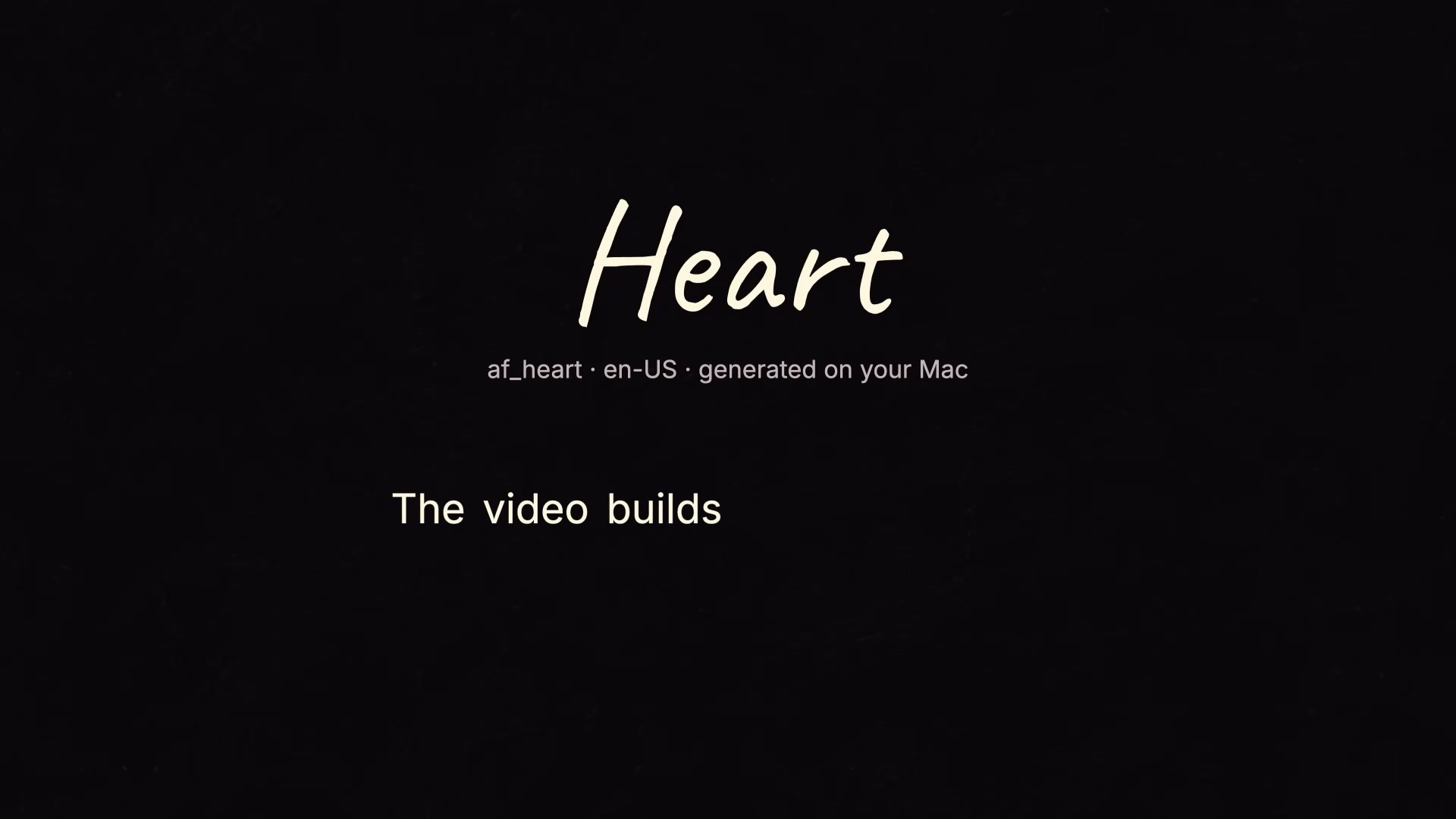
Add a voiceover
Add an AI voiceover to your video from text. videoFn generates the narration on your Mac, with word timings for captions and visual cues.

Create your own effects
Create an effect from your own idea. Describe its look and movement, generate custom code, and refine the result in videoFn on your Mac.
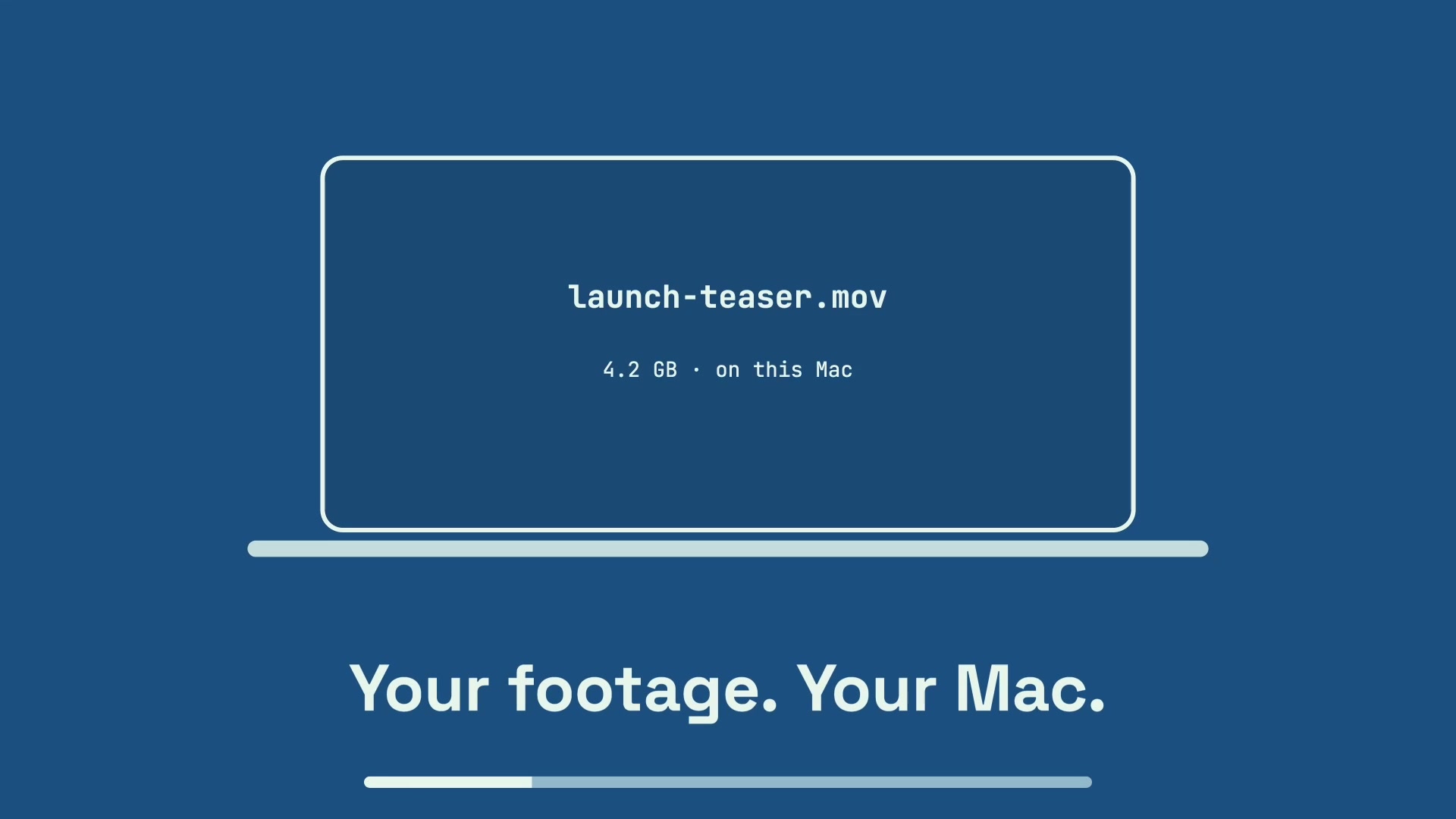
Made on your Mac
Rendering, transcription, voice generation and tracking run on your Mac. Projects and exports stay in local folders, with no cloud render queue.
Step-by-step guides
All guides