All the fiddly bits. Handled.
Captions, beat sync, filler removal, labels that follow a moving subject. Each one used to be an evening's work. Now it's a sentence in a chat.
Features
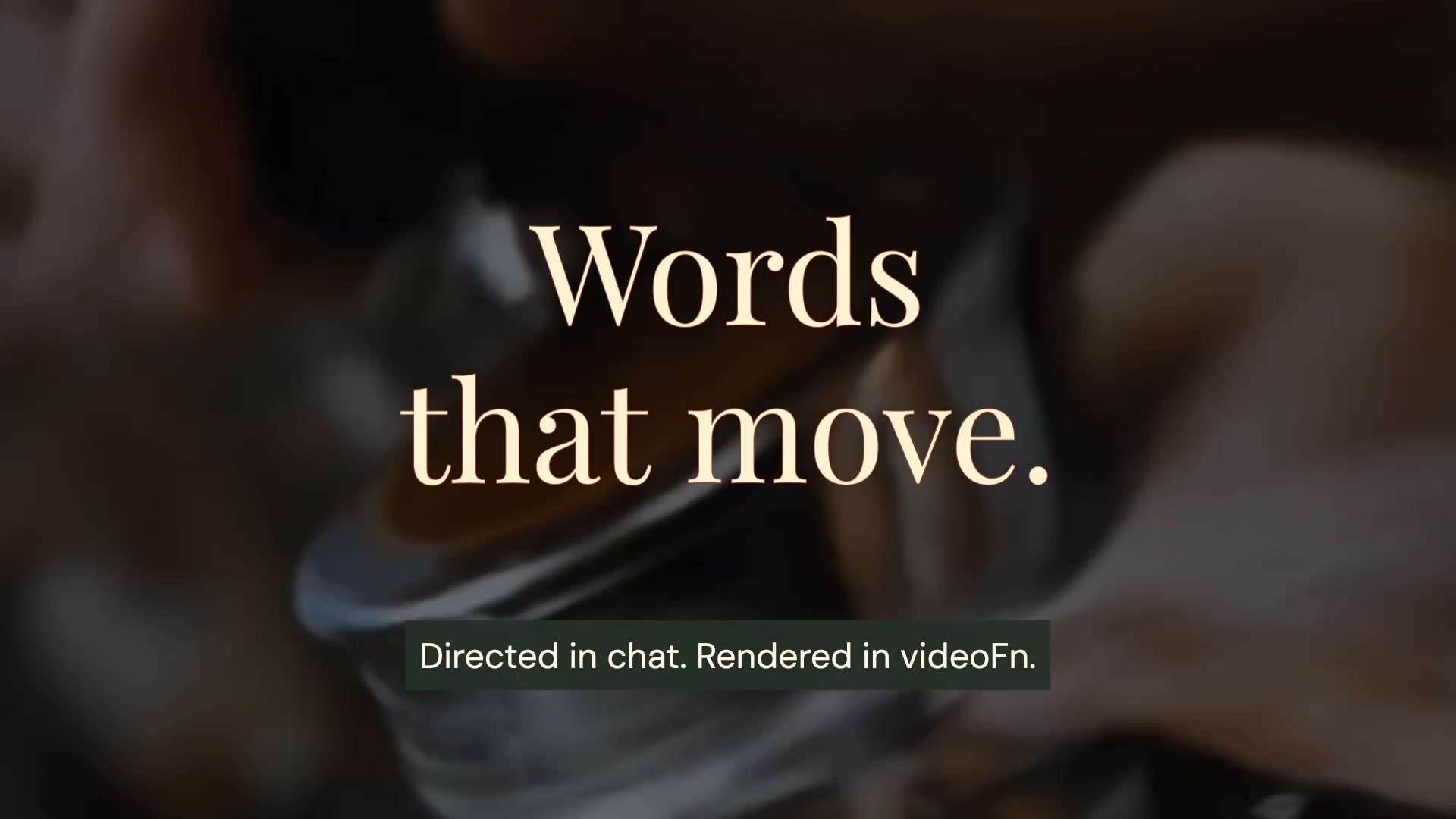
Edit with Claude or ChatGPT
Give Claude or ChatGPT a video brief and watch it come together in the preview, with automatic checks along the way.
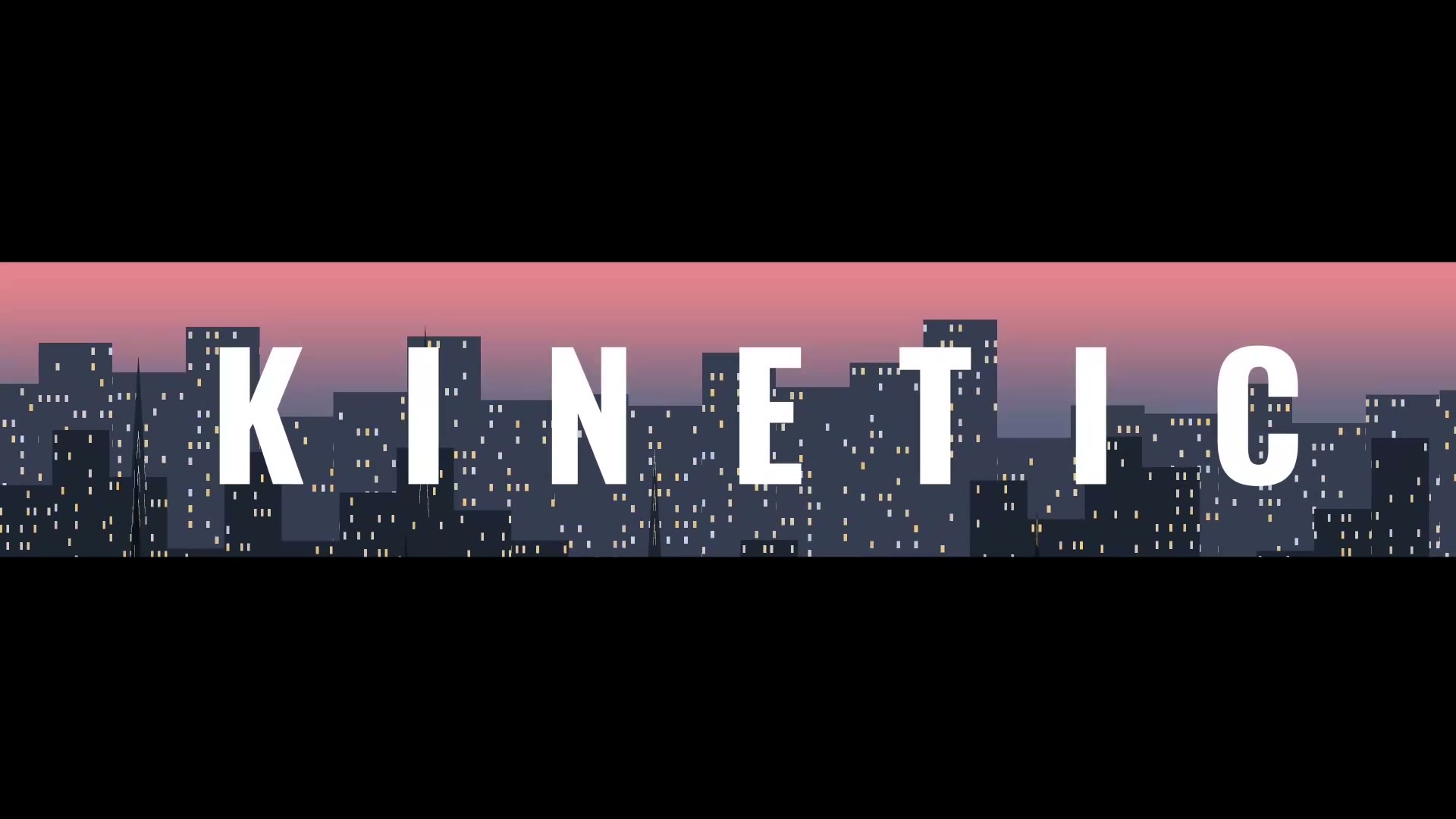
Animated text
Make kinetic typography and animated text videos on your Mac. Claude or ChatGPT times the words to speech or music and keeps each line up long enough to read.
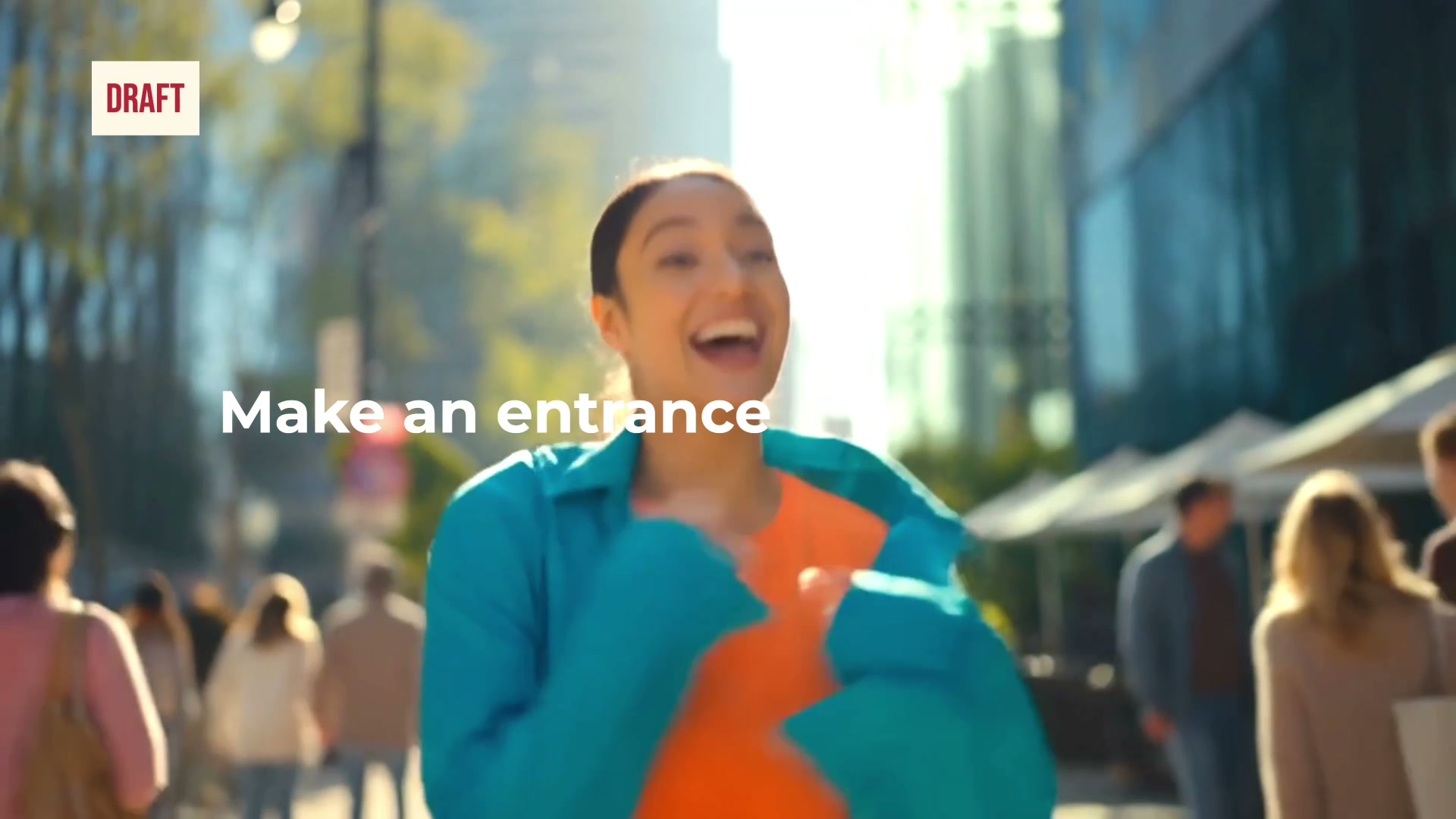
Check and improve your video
An AI video reviewer checks text, framing, motion, pacing, audio and the export. It fixes what fails and checks again before you see the video.
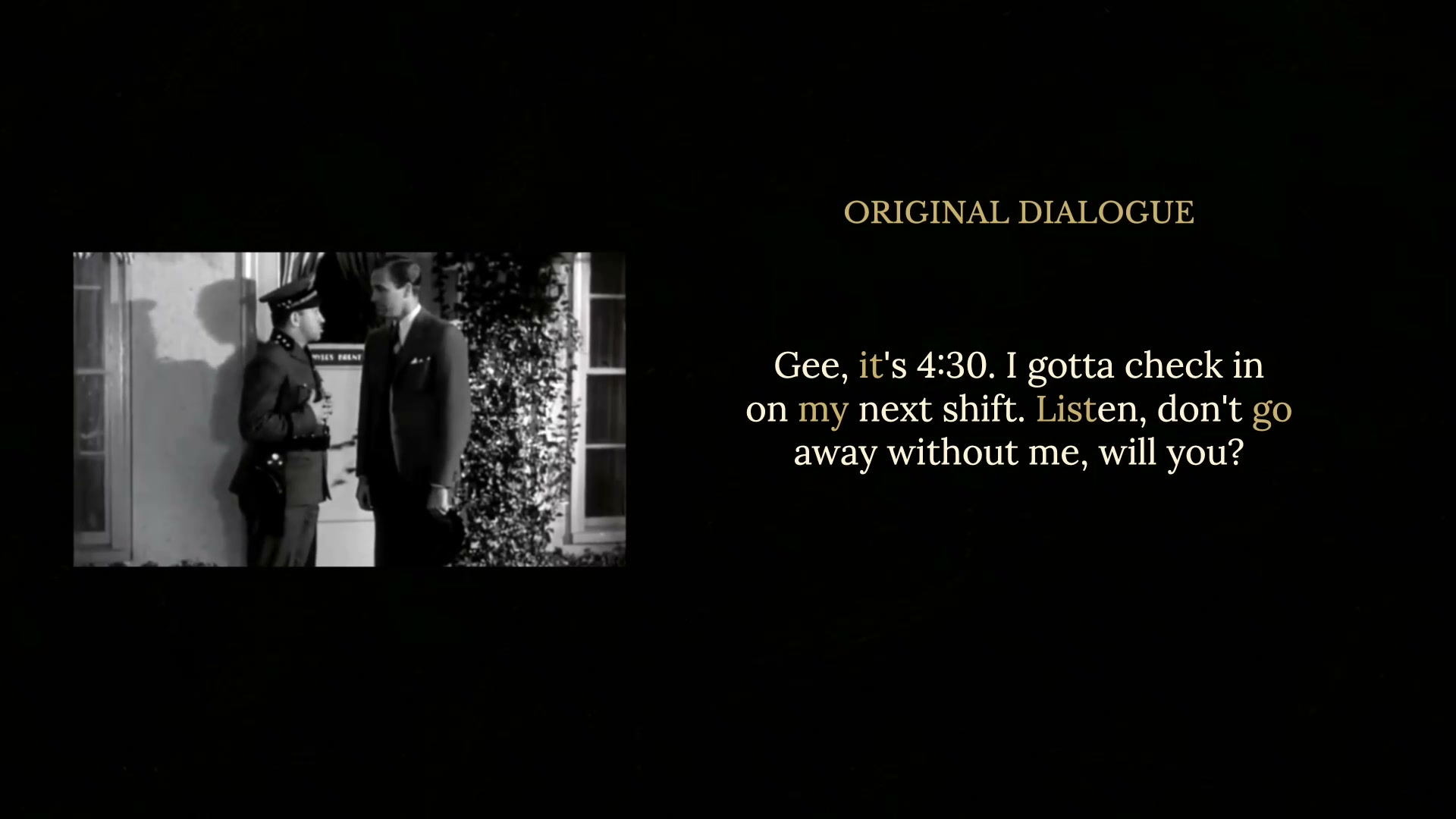
Tidy up your recording
Remove ums, uhs and other filler words from video automatically on your Mac. Cuts land in the quiet gaps, your voice stays your own and every cut gets checked.
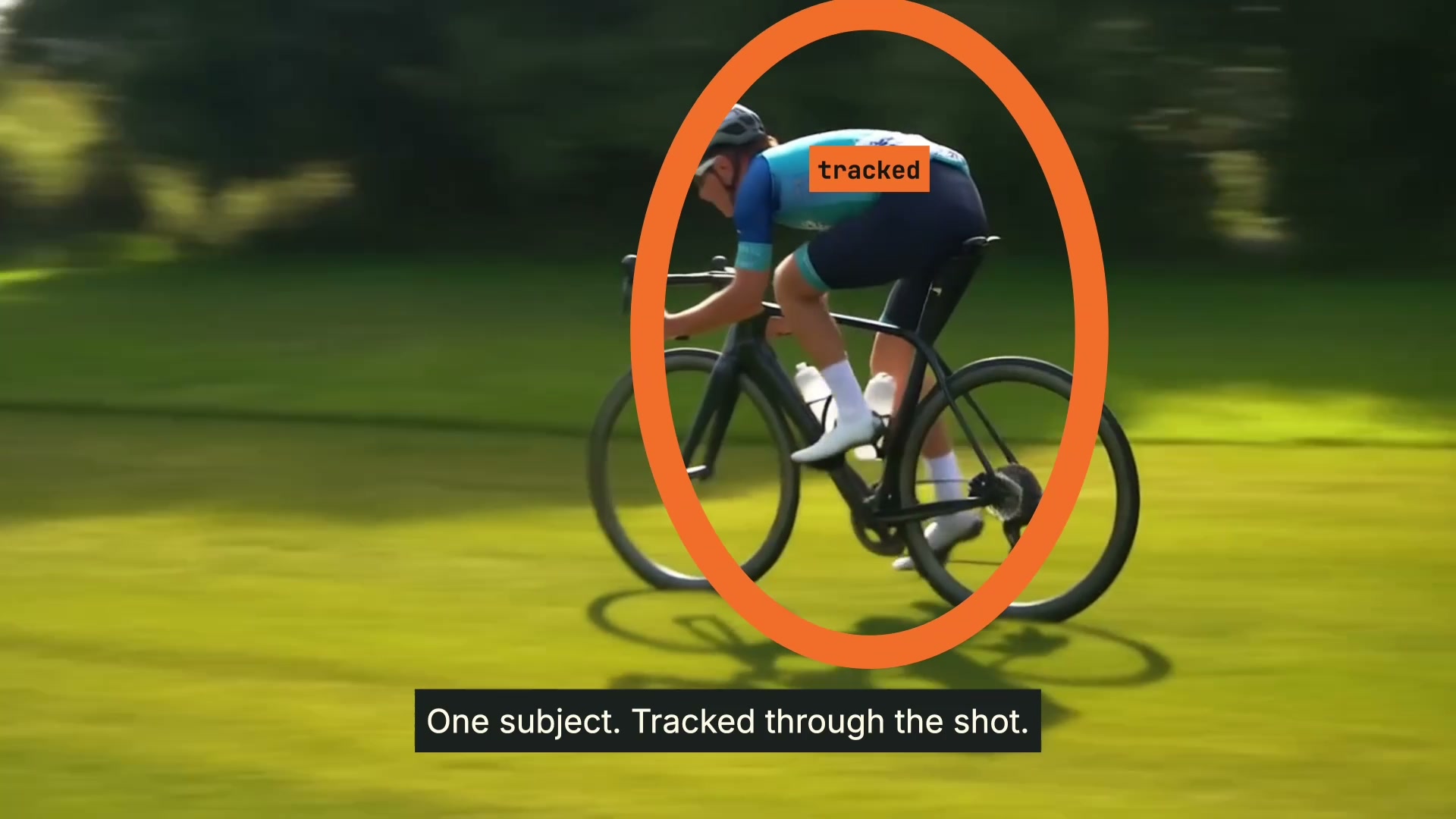
Follow a person or object
Pin text, labels and highlights to a moving person or object. videoFn does the motion tracking on your Mac, with no keyframes placed by hand.
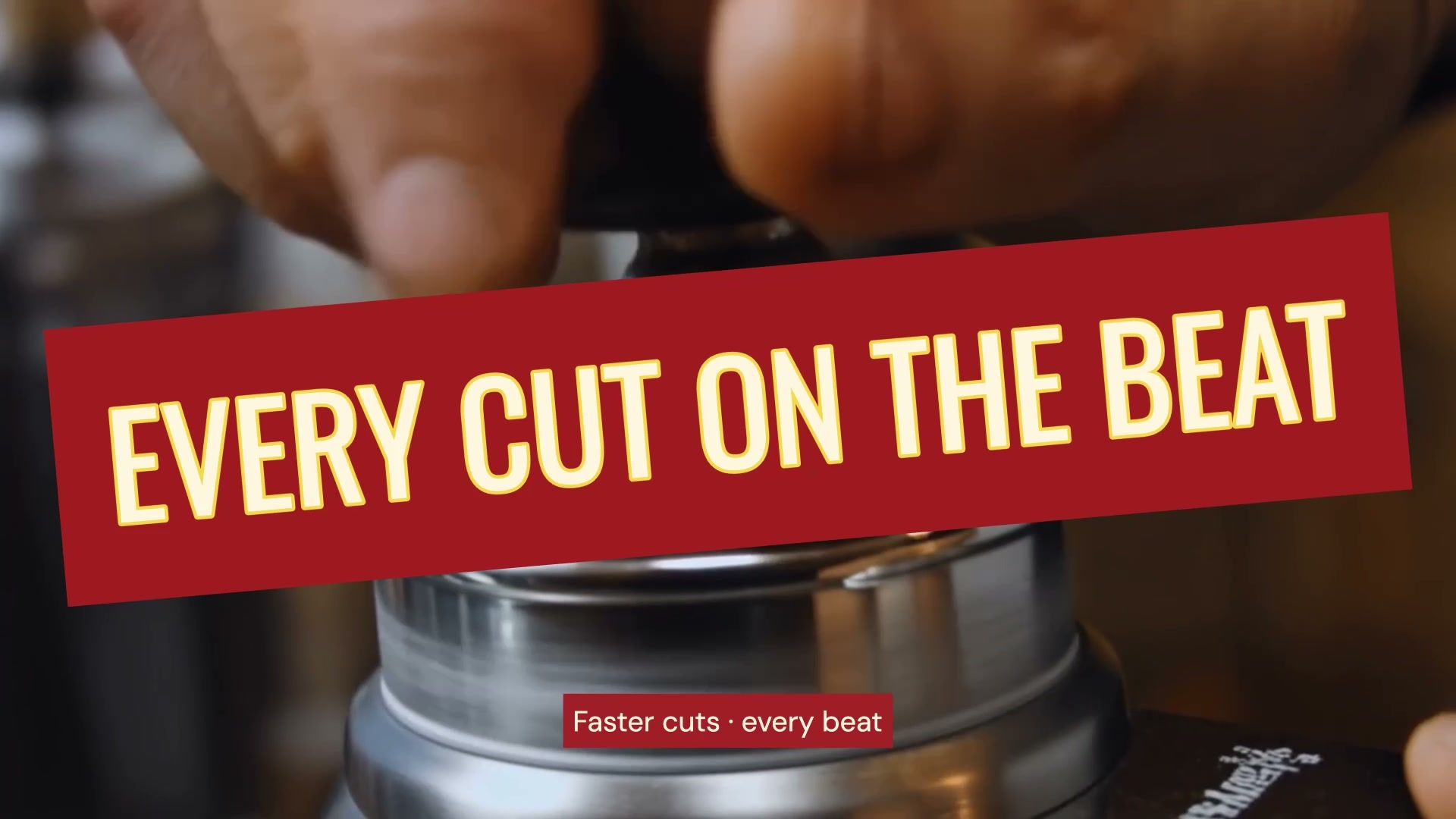
Edit to the music
Sync your video to the beat. videoFn finds the beats and the changes in energy in your track, and Claude or ChatGPT cuts and animates to them on your Mac.
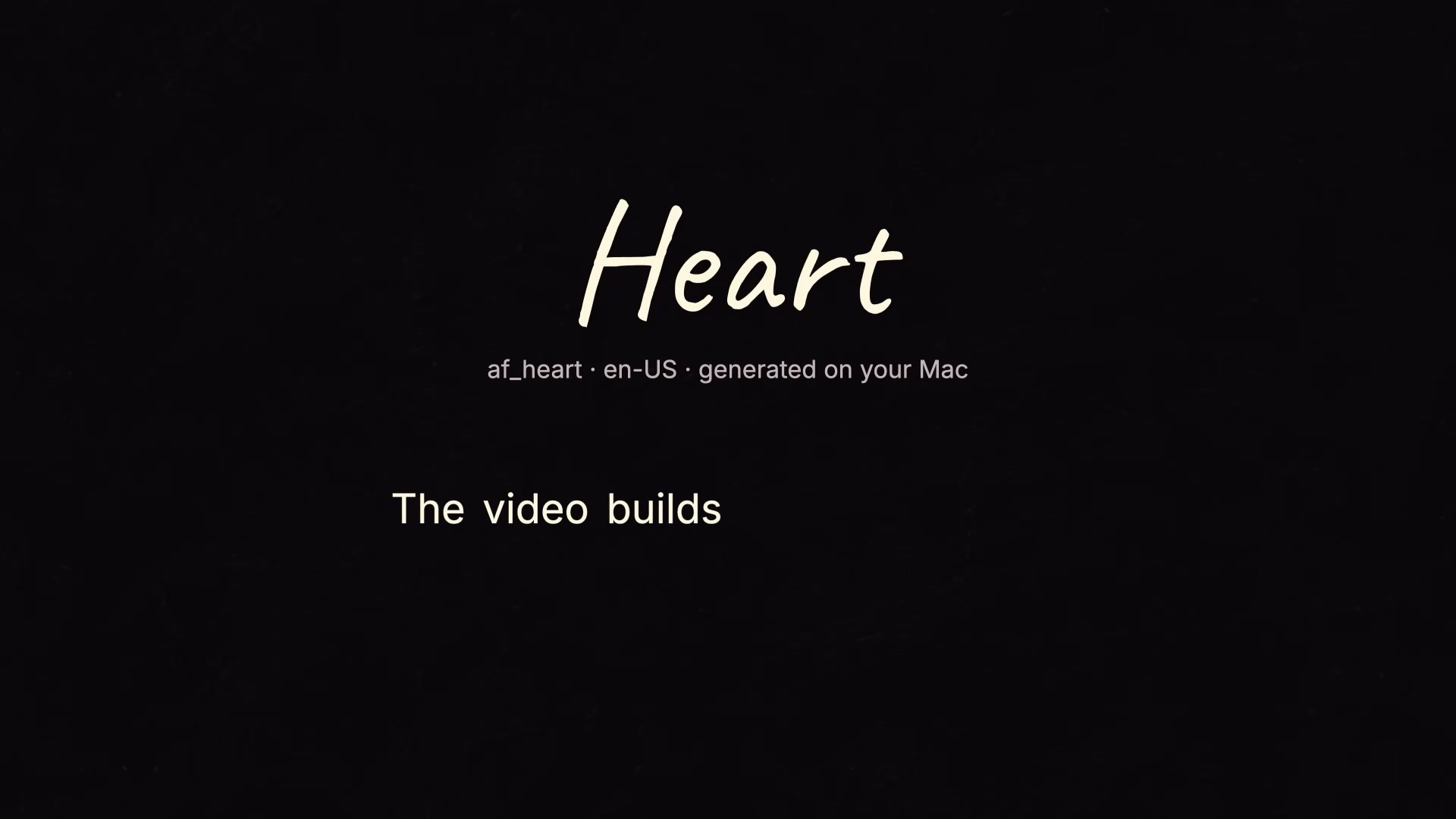
Add a voiceover
Add an AI voiceover to your video from text. videoFn generates the narration on your Mac, with word timings for captions and visual cues.

Create your own effects
Create an effect from your own idea. Describe its look and movement, generate custom code, and refine the result in videoFn on your Mac.

Made on your Mac
Rendering, transcription, voice generation and tracking run on your Mac. Projects and exports stay in local folders, with no cloud render queue.
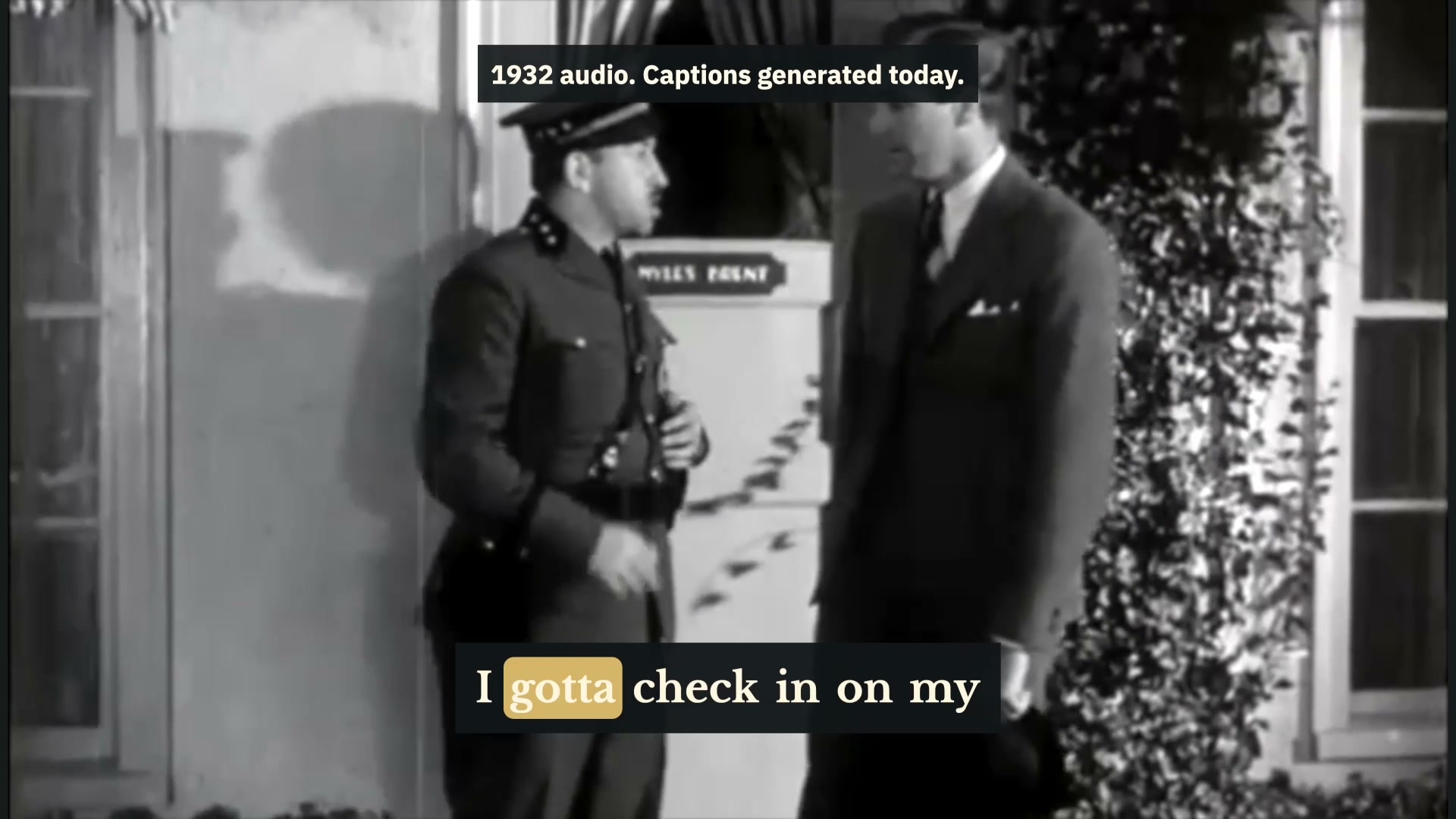
Add captions
Generate subtitles and captions automatically on your Mac. Speech is transcribed locally, and captions are timed word by word and checked for readability.